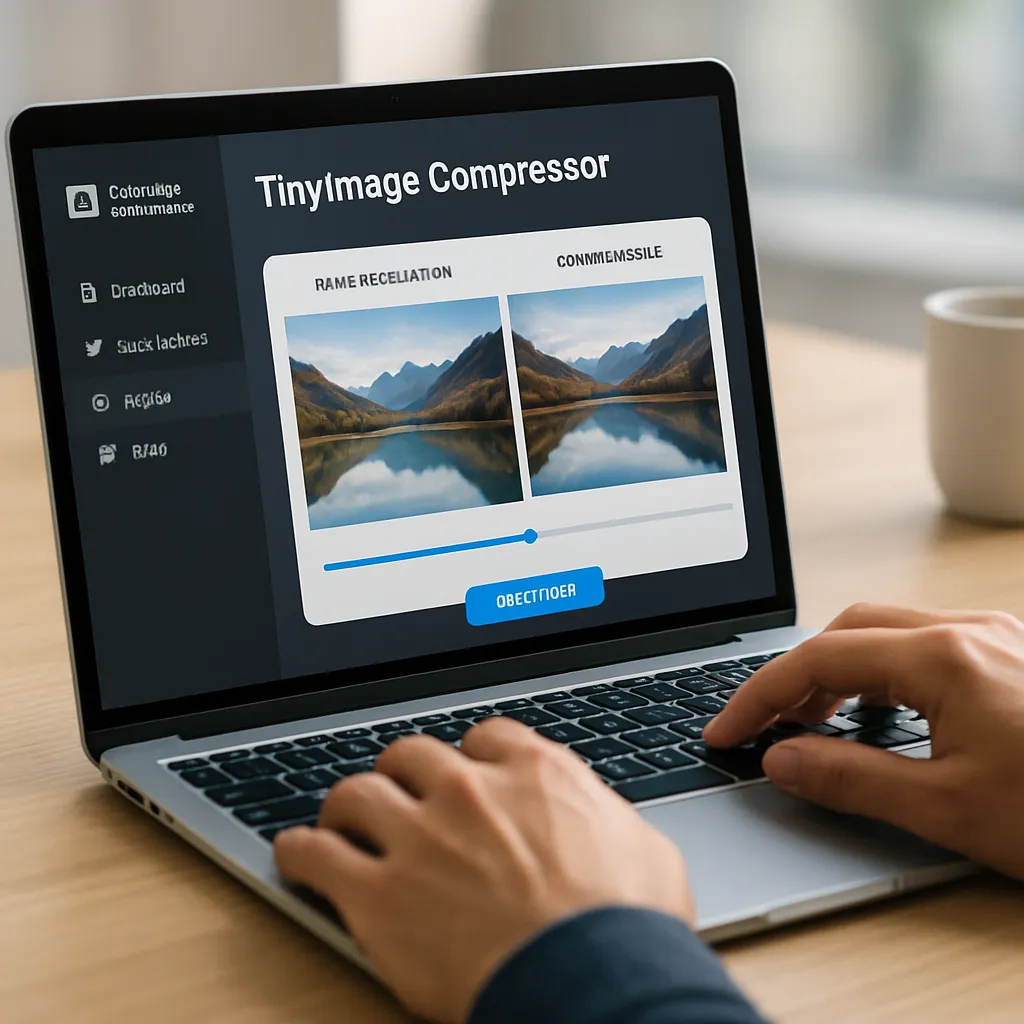
TinyImage Compressor
TinyImage Compressor is a lightweight but powerful image optimization tool that attracts a lot of attention among website owners, developers and SEO specialists. By reducing file size without visible quality loss, it makes websites load faster, improves user experience and supports search engine rankings. Understanding how TinyImage works and where it fits into a broader SEO strategy helps decide whether it is the right choice for a given project, from small blogs through online stores to complex corporate portals.
What is TinyImage Compressor and how does it work?
TinyImage Compressor is an online and sometimes plugin-based tool designed to shrink image file sizes while preserving acceptable visual quality. It focuses mainly on formats commonly used on the web, such as JPEG, PNG and WebP. Its primary goal is to minimize weight of images so that a page can load as quickly as possible even on slower connections, without forcing developers or editors to manually process each file in advanced graphic software.
The underlying mechanism of TinyImage Compressor relies on a blend of lossy and lossless compression methods. Lossy compression throws away part of the image data that the human eye usually cannot distinguish, significantly reducing file size. Lossless compression, by contrast, reorganizes or re-encodes the image data without removing information, which typically results in smaller savings but guarantees identical pixel output compared to the original. TinyImage tries to find a balance between these two approaches, providing different levels of compression to adjust the trade-off between quality and speed.
Users typically upload images via a drag-and-drop interface or a simple file selection box. The tool processes the files on its servers, applies a carefully tuned algorithm, and then returns lighter versions ready to be downloaded or automatically replaced on supported platforms. The workflow is designed to be straightforward even for non-technical editors: no need to understand complex terms like chroma subsampling, quantization tables or entropy coding. Instead, TinyImage exposes a few understandable options, such as compression strength or conversion to more modern formats.
One of the practical advantages of this tool is its capability to process multiple files in bulk. For larger websites or content migrations, batch compression prevents hours of manual optimization work. Some implementations of TinyImage Compressor integrate directly with popular content management systems, automatically compressing new uploads and sometimes even optimizing existing media libraries. This automation is especially beneficial for teams that publish frequently and want to maintain image quality standards without constantly educating new editors about optimization best practices.
From a technical standpoint, TinyImage also takes into account metadata. Many photos contain EXIF information, color profiles, geolocation data and camera settings that are irrelevant for the web and only increase file size. TinyImage can strip unnecessary metadata, which further reduces the weight of each file. In certain cases, the tool can also standardize color profiles and bit depth, aligning images with typical web display environments and preventing subtle color inconsistencies across different browsers.
Because TinyImage is delivered as a service, its compression algorithm can be updated and improved over time without requiring users to install new software. When new techniques or optimizations become available, they can be rolled into the platform, and every subsequent image upload benefits automatically. This makes the tool an evolving component of a performance strategy, not a one-off optimization step that becomes outdated as web standards change.
Impact of TinyImage Compressor on SEO performance
Image optimization has a direct and measurable influence on SEO, and TinyImage Compressor sits exactly at this intersection of performance and search visibility. Search engines increasingly reward websites that deliver content quickly, especially on mobile devices where connections may be slower and user patience is low. Pages that load quickly generally experience lower bounce rates, longer session duration and higher engagement metrics. All of these behavioral signals can indirectly support better rankings in search results.
One of the core metrics in modern web performance is Core Web Vitals, a set of indicators that measure loading speed, interactivity and visual stability. Images are often the heaviest assets on a page, and unoptimized pictures can delay the Largest Contentful Paint (LCP), one of the primary Core Web Vitals metrics. When images are compressed by TinyImage, the browser needs to transfer fewer kilobytes to display the same visual content, which can reduce LCP times and improve the overall score for a page. Better Core Web Vitals scores are associated with higher visibility in organic search, particularly on mobile search results.
Another aspect is crawl efficiency. Search engine bots have limited resources when crawling websites. If each page contains multiple large images, it may slow down crawling and reduce the number of pages that can be visited within a given crawl budget. By compressing images, TinyImage helps servers respond faster, which can allow bots to crawl more URLs during each visit. For large e-commerce stores or content-heavy websites, this can make a difference in how quickly new pages are indexed and updated in search engines.
TinyImage Compressor also contributes indirectly to user experience signals that search engines observe. A slow site often frustrates users, leading to quick back-button behavior. A site with optimized images loads more smoothly, and visitors are more likely to stay, explore and complete desired actions such as reading articles or making purchases. Improved engagement metrics like pages per session and time on site may strengthen the perceived relevance and quality of a page, aligning technical performance with meaningful SEO outcomes.
However, image compression, including TinyImage, is not a standalone SEO solution. It is one element in a broader performance strategy that includes browser caching, server configuration, code minification, lazy loading and responsive design. Over-reliance on compression alone can create an illusion of optimization while other problems remain unaddressed. For example, using very large images that are only visually displayed at small dimensions will waste bandwidth even when compressed. TinyImage helps, but it works best in combination with proper sizing techniques and modern markup practices such as the use of the srcset attribute for responsive images.
There is also a threshold beyond which aggressive compression may harm user experience and potentially hinder conversions. If images become visibly blurry or artifacted, especially on product pages, users may lose trust in the quality of the goods or the professionalism of the brand. Search engines strive to surface pages that not only load quickly but also provide high-quality, trustworthy content. Therefore, finding the right compression level in TinyImage is crucial: enough to meaningfully reduce bytes, but not so much that the perceived quality of photography or design suffers.
In addition, TinyImage Compressor can support image search optimization. Smaller files are easier for search engines to fetch and render, and quick-loading image content encourages more frequent crawling of image indexes. When combined with descriptive file names, alt attributes and structured data, optimized images can appear more often in image search results, driving another stream of organic traffic. This is particularly important for visual industries such as fashion, interior design, travel and food, where users often discover content first through an image rather than a text snippet.
Practical use cases and workflows with TinyImage Compressor
The real value of TinyImage Compressor becomes obvious when looking at practical workflows on different types of sites. For blog and editorial platforms, each article may contain multiple illustrative images, infographics or author portraits. TinyImage allows editors to quickly compress all visual assets before publishing, ensuring that even long-form posts with many images stay lightweight. Some teams adopt a rule: no image goes live until it passes through the compressor, which standardizes quality and performance across the entire publication.
For e-commerce sites, image optimization is even more critical. Product galleries, detail zooms and lifestyle photos quickly accumulate into a large number of assets. Without compression, these can slow down category pages and product detail pages, directly affecting conversion rates. TinyImage can be integrated into upload pipelines so that every product photograph is automatically resized and compressed to specific targets. The platform often supports WebP or similar modern formats, which can be significantly lighter than traditional JPEG or PNG while maintaining visual clarity. For mobile shoppers, this difference often translates into faster navigation and less data consumption.
Agencies and freelancers working on multiple projects at once benefit from the versatility of TinyImage Compressor as a reusable toolkit. Instead of configuring complex image pipelines for each site from scratch, they can rely on a familiar interface and predictable compression results. When combined with design tools like Sketch, Figma or Photoshop, TinyImage becomes the final step before deployment: designers export assets at high quality, and developers or content managers run them through the compressor to ensure optimal delivery. This division of labor helps keep design standards high while still prioritizing load time.
Developers focusing on performance audits frequently use TinyImage as a quick win in optimization projects. When a performance report shows that images account for a large portion of overall page weight, compressing them can yield an immediate improvement in PageSpeed Insights, Lighthouse or WebPageTest scores. Because the process is relatively safe and reversible (originals can be stored separately), it is often one of the first interventions recommended during performance consulting. The visual impact is relatively easy to assess: by comparing before-and-after versions side by side, stakeholders can decide whether the compression ratio is acceptable.
Content migration projects, such as moving a site from one CMS to another or consolidating several blogs into a single platform, often present a perfect opportunity to apply TinyImage Compressor at scale. Instead of importing the old images as they are, teams can download an archive, compress or convert the assets and then upload the optimized versions to the new site. This approach prevents inherited technical debt from old, heavy images and sets a better foundation for future growth. In some cases, automation scripts can call TinyImage’s API to process large libraries without manual intervention.
There is also a growing use of TinyImage in multilingual and multi-regional websites. Different regions may have varying average connection speeds and device capabilities. By integrating compression into the deployment workflow, site owners can guarantee that all regional versions rely on similarly optimized assets, ensuring consistent experience from one market to another. Some advanced setups even generate different quality levels or formats depending on expected network conditions, but even the simplest integration already delivers substantial gains over raw, unmanaged images.
For small business owners and non-technical bloggers, TinyImage reduces the barrier to entry for proper performance optimization. They may not be comfortable with command-line tools or complex build processes, but a clear interface and easy-to-understand controls give them a way to control a key aspect of technical SEO. Combined with simple guidance, such as recommended dimensions and quality settings, TinyImage becomes a daily tool rather than an occasional fix. This democratization of optimization contributes to a healthier web ecosystem where even small sites can perform competitively.
Strengths, weaknesses and overall opinion on TinyImage Compressor
Evaluating TinyImage Compressor from an SEO and usability perspective reveals several clear strengths. First, it offers a straightforward, user-friendly interface that fits into diverse workflows without demanding deep technical knowledge. The ability to quickly reduce file size while preserving acceptable quality makes it a highly practical component of a broader performance strategy. When properly configured, TinyImage helps pages load much faster, leading to improved user satisfaction, better engagement metrics and potentially stronger visibility in organic search results.
Another major strength lies in its balance between automation and control. Many compression tools either simplify everything so much that professionals feel constrained or expose too many complex parameters that confuse beginners. TinyImage sits somewhere in the middle, providing default modes that work well for most users while still allowing adjustments in quality, format and metadata handling. For example, more advanced users can experiment with slightly lower quality thresholds to see how far they can reduce file sizes without causing noticeable degradation.
The performance gains are not merely theoretical. In practical tests, compressed images can be reduced by 40–80 percent in file size depending on the previous optimization level and the nature of the content. On a page with many visual elements, this can translate into several megabytes saved, dramatically lowering the time to first meaningful paint and making the site feel more responsive, especially on mobile networks. For SEO professionals, being able to point to such measurable improvements provides tangible evidence of the impact of technical work.
TinyImage also integrates well with existing infrastructure in many scenarios. Support for common web formats, batch processing and, in some versions, API-based automation makes it flexible for both manual and automated pipelines. When a team adopts TinyImage as a standard, it reduces variability in how images are prepared, which simplifies maintenance, quality assurance and long-term performance monitoring. Over time, this consistency can reduce the amount of reactive performance troubleshooting required.
There are, however, some limitations to be aware of. TinyImage does not replace a comprehensive digital asset management strategy. It does not automatically take care of aspects like responsive image markup, proper naming conventions, semantic alt text, or image sitemaps. Those elements still require deliberate planning and implementation. While TinyImage excels at byte-level optimization, it must be complemented by sound SEO fundamentals and good content practices to achieve full benefits.
Another potential weakness is dependence on server-side or cloud processing. For privacy-sensitive projects or environments with strict data regulations, uploading certain images to an external service might be problematic. In such cases, local or self-hosted tools may be preferred, even if they lack the convenience or constant updates provided by TinyImage. Additionally, the speed of processing large batches can vary depending on connection quality and server load, which is an important factor for teams working under tight deployment deadlines.
Cost structures may also come into play for heavy users. While many compressors offer free tiers or limited free usage, intensive applications such as large e-commerce catalogs, media libraries or agency pipelines may quickly surpass those limits. Careful evaluation of pricing versus expected benefits is necessary, especially when comparing TinyImage with alternative solutions or in-house optimization workflows. Nonetheless, the cost of slower sites—lost conversions, weaker search visibility, poorer user perception—should be considered against any subscription or usage fees.
In terms of visual quality, some scenarios require extra caution. Highly detailed graphics, such as UI mockups, screenshots with text, or images with delicate gradients, may reveal compression artifacts more easily than typical photographs. Users should test different settings on sample images before applying one configuration globally, particularly in areas where precision and clarity are crucial, such as software documentation or high-end product catalogs. Fortunately, TinyImage often allows easy experimentation, making it possible to discover safe presets without extensive trial and error.
From an overall perspective, TinyImage Compressor earns a positive opinion as a reliable and practical tool for image optimization in an SEO context. It significantly reduces the complexity of managing image weight, supports better performance metrics, and complements other technical efforts aimed at improving visibility in search results. For many site owners, simply integrating TinyImage into their publishing workflow already elevates their site far above the average in terms of efficiency and responsiveness.
When combined with other good practices—mobile-friendly design, clean code, logical site architecture, semantic markup and high-quality content—TinyImage contributes to a holistic SEO approach instead of functioning as a narrow, isolated fix. Its continued usefulness depends on deliberate configuration, periodic review of results and integration into broader processes rather than one-off usage. For anyone serious about building a fast, search-friendly and user-centric website, it represents a valuable component in the toolbox and a concrete step toward delivering lighter, faster and more enjoyable digital experiences.