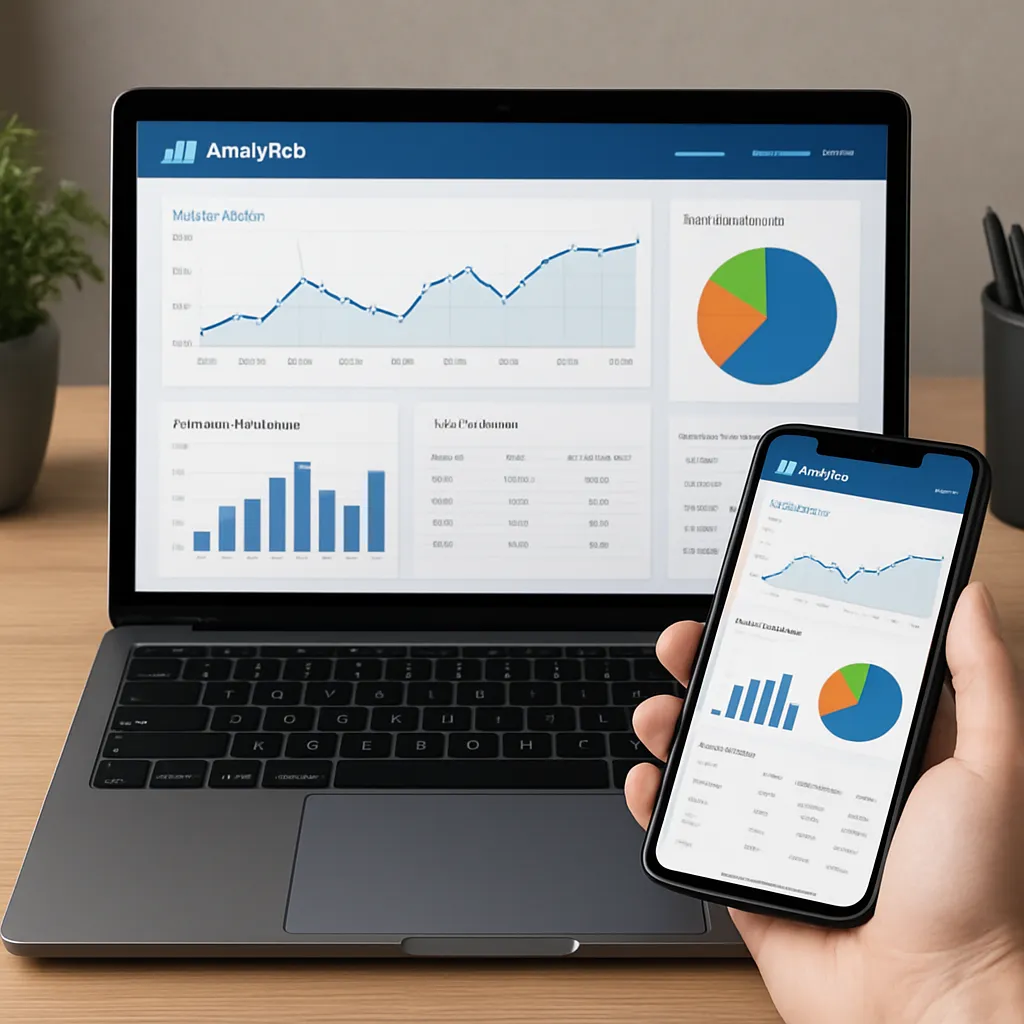
Clicky Analytics
Clicky Analytics is often mentioned as an alternative to mainstream tracking tools, yet many site owners underestimate how powerful it can be for understanding user behavior and supporting long‑term SEO strategy. Instead of drowning you in abstract graphs and delayed reports, Clicky focuses on real‑time, human‑readable information about who is on your site, what they are doing, and why specific pages perform better or worse. This hands‑on character makes it interesting not only for marketers, but also for technical SEO specialists, bloggers, ecommerce owners and agencies managing multiple client projects.
What Clicky Analytics is and how it works
Clicky Analytics is a web analytics platform designed to show what happens on a website in real‑time. It tracks visits, events, goals and campaigns, presenting them in a clear interface that favors simplicity over visual fireworks. At its core it collects standard HTTP request data and JavaScript signals, then turns them into reports about visitors, landing pages, referrers, campaigns, devices and actions such as downloads or outbound clicks.
Unlike traditional enterprise suites, Clicky aims to stay lightweight. Implementing it usually requires placing a small tracking code in the site template or using a plugin on platforms like WordPress. From that moment, the dashboard starts filling with live data: current visitors on site, their paths, traffic sources and actions. For many users this instant feedback loop is more tangible than aggregated, once‑per‑day SEO reports that feel disconnected from reality.
One of the most recognizable features is the ability to drill down to individual visitor sessions. A user can inspect the complete path a specific person took on the site: which URL they entered from, which internal pages they visited, how long they stayed, whether they converted, and at what moment they left. These session‑level details are central to Clicky’s design and are a major reason it appeals to marketers who want to go beyond top‑level statistics.
Clicky offers both a free and paid plan. The free tier is enough for small projects, basic blogs or testing, whereas paid tiers unlock more data history, heatmaps, uptime monitoring and several advanced modules. Importantly, it is cloud‑based, so no server‑side installation is required beyond inserting the tracking code. This approach makes it accessible even to non‑technical users, while still providing enough depth for experienced analysts who are willing to dig into settings and filters.
From a privacy standpoint, Clicky positions itself as a more privacy‑friendly alternative to some large analytics vendors. It makes it relatively straightforward to anonymize IP addresses, respect browser “Do Not Track”, and configure cookie behavior. For site owners working in jurisdictions with strict data protection laws, this can be a significant advantage, especially when they need analytics that still remain powerful enough for conversion optimization and SEO experiments.
Key features relevant to SEO and website optimization
Clicky is not an SEO crawler or keyword research platform; it belongs to the category of behavioral analytics. Yet it directly affects search performance by showing how users react to your pages and helping you identify what improves or harms organic visibility. Several modules and functions are particularly useful for SEO‑oriented workflows.
Real‑time visitor tracking and segmentation
The real‑time view lets you monitor exactly how organic traffic behaves during a campaign or after a major content update. You can filter visitors by referrer type to show only search traffic, then explore which landing pages they use and how long they stay. This is invaluable when you want to understand whether a fresh article or landing page starts ranking quickly or if it attracts only unqualified clicks that bounce away immediately.
Segmentation tools let you slice traffic by country, device, OS, browser, referrer domain and more. An SEO team might, for example, filter to show only mobile users from a particular country coming from Google organic results, then measure time on page and average actions. If those metrics are poor, you gain a direct signal that mobile UX or content relevance is not meeting expectations for that audience, even before external rank trackers show major changes.
Goals, campaigns and conversion tracking
Goals in Clicky define measurable actions: a purchase, form submission, newsletter signup, or any interaction that indicates value for the business. When combined with source and medium data, you can evaluate which organic queries or landing pages drive real conversions rather than just traffic volume. For SEO, this is critical: ranking for highly competitive keywords matters little if those visitors almost never achieve defined goals.
Campaign tracking uses UTM parameters or other tags to group visits under meaningful labels. While this is often associated with paid advertising, it is equally relevant for SEO experiments, such as testing different internal linking paths or content clusters. You can compare how separate content themes or pillar pages contribute to goal completion, even if they share similar average visit metrics. This helps shape a content strategy that is less focused on sheer sessions and more on business outcomes.
Heatmaps and on‑page behavior analysis
One of the popular add‑ons is the heatmap module, which provides visual representations of where visitors click, how far they scroll, and which elements attract or repel interactions. Heatmaps can be created for specific pages or segments, such as mobile users only. For SEO practitioners, this bridges the gap between search rankings and engagement. You might discover that a well‑ranking page has most of its clicks centered on a secondary button instead of the main call to action, or that critical content sits below the fold and is rarely seen.
Scroll maps show how far down users typically read before dropping off. If long‑form content is intended to establish topical authority, but heatmaps reveal that most readers leave near the top, it may be time to revisit structure, readability, or internal linking opportunities. Shortening paragraphs, adding table‑of‑contents anchors, or restructuring headings often leads to longer engagement, which indirectly supports better organic performance.
On‑site search and content performance
Clicky can log events that track internal site search queries. This data is underused in many SEO strategies. When you know exactly what users type into your own search box, you discover content gaps far more quickly than by relying solely on external keyword tools. If large numbers of people search for a topic and either find no results or exit soon after clicking, it signals missing or weak content around that topic.
The content report in Clicky shows visits and actions per page, time on page, bounce rates and exit rates. Combined with the referrer information, these metrics map how organic visitors flow through your site architecture. Pages that receive substantial organic traffic but trigger short visits and low interaction are obvious candidates for optimization. Conversely, some pages may have modest but highly engaged traffic; those can be strengthened with internal links and updated content to grow their search visibility.
Uptime monitoring and performance indicators
Some Clicky plans include basic uptime monitoring and performance metrics such as response time. Technical reliability indirectly influences ranking, because major search engines prefer fast, consistently accessible websites. A site that experiences frequent downtime or long response times risks crawling issues and poorer user experience signals. Having uptime data integrated with analytics gives a more complete view of your site’s technical health and its correlation with traffic fluctuations.
Does Clicky really help with SEO?
Clicky is not a replacement for dedicated keyword research, backlink analysis or technical crawling tools. However, it contributes to SEO success by providing precise, human‑level insight into user behavior that typical rank trackers or search consoles cannot. The platform complements tools like Google Search Console or external SERP trackers by explaining the “why” behind traffic changes and engagement metrics.
A major SEO principle is that user satisfaction and relevance drive sustainable rankings. Clicky’s session‑level data show which pages users genuinely appreciate. Long sessions, multiple actions and recurring visits from organic sources indicate strong relevance. When you line up this behavioral data with search query information from other platforms, it becomes clear which topics deserve further investment, link building or additional multimedia content.
Another practical SEO use is monitoring the impact of major site changes, such as redesigns, internal linking reorganizations, or migrations to new platforms. Because Clicky operates in real time, you can detect unusual shifts in organic landing pages or high spikes in bounce rate as soon as they appear. Rapid diagnosis lets you roll back problematic changes or fix technical issues before they seriously harm search performance and conversions.
The privacy‑oriented design of Clicky also matters. While many analytics platforms face growing scrutiny over data handling, Clicky offers features like IP anonymization and opt‑out respecting that can ease compliance concerns. A site that respects user privacy not only avoids legal trouble but also builds trust, and trust is increasingly intertwined with brand visibility and authority in search ecosystems.
From an editorial perspective, Clicky encourages a mindset focused on concrete user journeys instead of abstract averages. When you repeatedly watch how organic visitors navigate, where they hesitate, and which links they ignore, you gain intuition for on‑page elements that either support or damage conversion and engagement. That intuition feeds directly into on‑page SEO, content layout decisions, and prioritization of experiments.
The platform’s event tracking allows you to log micro‑conversions such as clicks on specific internal links, downloads, interactions with FAQs or video plays. These micro‑signals help identify whether an article truly resolves user intent or if visitors are forced to hunt for information in multiple places. Refining content based on such granular data often leads to richer pages that satisfy searchers more completely, improving behavioral metrics that search engines increasingly take into account.
Practical advantages and limitations compared to other tools
For users familiar with established analytics suites, Clicky can feel refreshingly straightforward. The interface tends to emphasize clarity over complexity, with quickly accessible reports and minimal need for deep configuration. This is an advantage for smaller businesses or individual creators who lack time or expertise to maintain highly customized analytics setups yet still want actionable insights.
Another strength is the focus on individual visits rather than pure aggregates. The visitor log, which lists each session separately, is one of the distinguishing features. You can click into a single entry and see exactly how that person moved across the site, which queries or referrers they came from, and whether they triggered defined goals. For many, this micro‑level visibility creates a stronger connection to their audience and inspires targeted improvements at the page level.
On the downside, Clicky’s feature set is not as extensive as heavyweight enterprise analytics platforms. If a large organization requires deeply customizable multi‑channel attribution models, automated data exports to complex BI stacks or extremely fine‑grained user permissions, Clicky may feel limited. Similarly, while it integrates with various content management systems, the ecosystem of third‑party add‑ons is smaller than that surrounding dominant analytics vendors.
Another limitation is that Clicky does not provide native keyword data from search engines, because that information is increasingly hidden for privacy reasons. To understand which queries drive organic sessions, you must still rely on search console tools or external rank trackers. Clicky’s strength lies in behavior and conversion analysis, not in direct keyword discovery. For many SEO teams this is acceptable, as they already use a combination of crawler, keyword and backlink tools alongside behavioral analytics.
Pricing is relatively moderate, making Clicky accessible to freelancers and small agencies. Yet some advanced modules like heatmaps or uptime monitoring are available only in higher tiers. Prospective users should assess which features they genuinely need and whether the cost aligns with their traffic scale and revenue model. For a small blog, the free or cheaper plan may be entirely sufficient; for an ecommerce site, investing in broader historical data and behavioral reports often pays off quickly.
Interesting aspects, use cases and overall opinion
Several aspects of Clicky stand out as particularly interesting when looking at real‑world usage. One is the way agencies and consultants use it as a live demonstration tool. During client calls, they can open the dashboard and show the current visitors walking through the site, highlight where they came from, and compare behavior of different traffic segments. This immediacy often resonates more with clients than static PDF reports, making it easier to justify SEO or UX recommendations.
Another use case is rapid troubleshooting. When an SEO experiment produces unexpected results—perhaps a content update correlates with a drop in conversions—Clicky’s visitor and action logs help pinpoint where user behavior changed. You might discover that a new hero section pushes crucial content below the fold, or that moving specific internal links caused users to miss important navigation paths. This diagnostic ability is one of the platform’s strongest contributions to iterative optimization.
For content creators and bloggers, Clicky’s simplicity lowers the barrier to data‑driven decision‑making. Instead of guessing which articles resonate, they can quickly see which posts generate long sessions, comments, social shares and newsletter signups. Coupled with internal search data, this points directly to topics that deserve follow‑up pieces, updated editions or multimedia expansions. Over time, this approach builds topical depth, which is central to organic visibility in many niches.
From a broader perspective, Clicky embodies a philosophy that analytics should be approachable yet precise. It avoids the overwhelming dashboards that sometimes accompany large marketing suites, instead favoring a focused set of metrics that map closely to human questions: Who is here? What are they reading? Did they achieve what we wanted them to achieve? Where did they drop off? For many projects, that clarity is more valuable than rarely used advanced options.
In terms of overall opinion, Clicky Analytics offers a compelling mix of usability, real‑time insight and privacy‑conscious functionality. It suits site owners who care deeply about how their audience behaves and who want to connect SEO performance with concrete human actions on the page. It may not replace specialized research or technical auditing tools, but it complements them effectively, forming the behavioral backbone of a modern optimization stack.
For anyone building or refining an SEO strategy, the platform provides an accessible way to move from pure ranking obsession to a richer, visitor‑centric view of success. By watching individual sessions, refining goal tracking, and analyzing heatmaps, you can shape content and site architecture that not only attract searchers but also satisfy them. In the long run, that combination of visibility and satisfaction is what sustains strong organic performance, and it is precisely the area where Clicky Analytics proves its value.