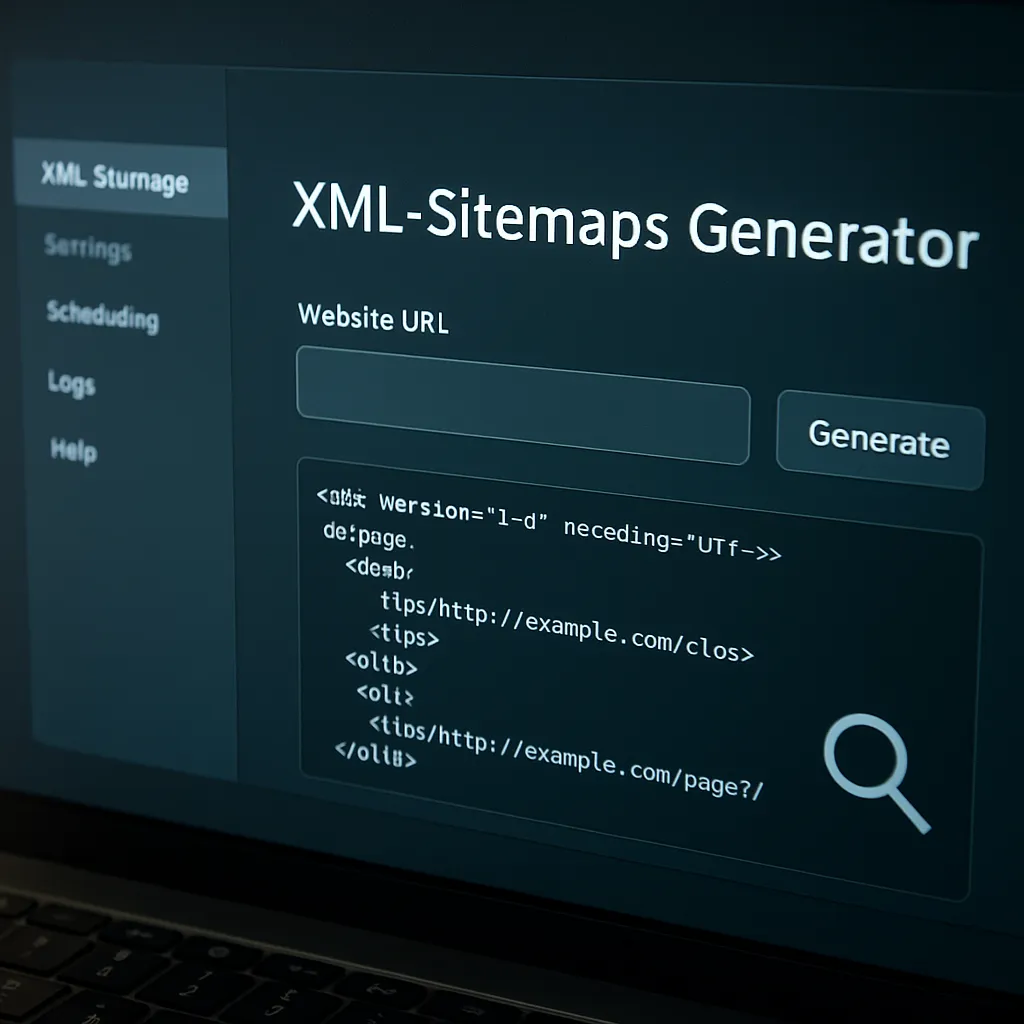
XML-Sitemaps Generator
Search engines can only rank what they can find. For many websites, the fastest way to get content discovered, understood and kept fresh in search results is to provide a clean, standards‑compliant XML sitemap and keep it updated. XML‑Sitemaps Generator is a practical toolset built specifically for that job: crawling your site, assembling XML files that list URLs and their metadata, and helping you submit and maintain them with minimal friction. This article explains what it does, when it helps, how to use it responsibly, and where it fits within a broader SEO strategy.
What an XML sitemap actually is—and why it still matters
An XML sitemap is a machine‑readable inventory of your site’s URLs, typically including the last modification time (lastmod), optional change frequency, and optional priority. It exists for search engines, not for humans. Unlike navigational menus or HTML sitemaps, the XML format adheres to a public protocol, allowing crawlers to parse it quickly and decide what to recrawl and when.
Several practical constraints shape a high‑quality sitemap:
- Per file limits: up to 50,000 URLs or 50MB uncompressed (you can gzip to save bandwidth). For larger sites you split into multiple files and reference them using a sitemap index.
- URLs must be absolute and consistently canonical (https vs http, trailing slashes, hostnames).
- Only URLs you want indexed should be listed; no 4xx/5xx responses, no noindex pages, and avoid parameterized duplicates.
- Metadata are hints, not directives: lastmod is highly useful; changefreq/priority are often ignored by Google but harmless if reasonable.
When done right, a sitemap boosts discovery coverage, accelerates freshness after updates, and lets very large or deep websites surface content that is otherwise many clicks away from the homepage. It does not replace internal linking or sound architecture—but it does lubricate the discovery mechanics for robots.
What XML‑Sitemaps Generator does
XML‑Sitemaps Generator (known from the long‑standing xml‑sitemaps.com service) offers two primary modes: a free online generator suitable for small sites and a paid standalone script you host yourself for ongoing, unlimited‑size crawls. Both versions follow links from your start URL, collect eligible pages, and produce standard‑compliant sitemap files that you can upload to your root directory or a preferred location.
Core capabilities at a glance
- Full‑site crawling with robots.txt awareness, optional URL inclusion/exclusion rules, and configurable crawl depth to prevent infinite loops (e.g., calendar links).
- Generation of sitemap.xml (and a sitemap index when splitting), plus specialized formats like images, videos, and news sitemaps for eligible content types.
- Option to set or infer lastmod timestamps from headers or filesystem times; configurable changefreq and priority defaults where you choose to use them.
- Gzip compression and chunking for large outputs; automatic naming conventions for multi‑file sitemaps.
- Submission aids: generator outputs a canonical URL to reference in robots.txt and provides instructions for search engine submission flows; some editions can “ping” search engines where supported.
- HTML sitemap generation for users (optional), which can double as an internal linking aid.
In practice, the tool shines when you need a consistent pipeline: crawl ➝ generate ➝ upload ➝ submit. For in‑house teams, the standalone edition supports scheduling and server‑side execution so your sitemaps stay up to date without manual work.
Online generator vs. standalone script
- Online generator: quickest way to start, zero install, typically capped at a modest number of URLs (commonly 500). Great for micro‑sites and audits.
- Standalone generator: runs on your server (e.g., PHP), no hard URL cap beyond protocol limits and server resources. Supports scheduling (cron), advanced rules, and dependable automation for fast‑changing or very large properties.
If your site exceeds the free limit or updates often, self‑hosting is the durable path. For one‑offs and small projects, the online wizard is enough to produce a valid file in minutes.
Supported sitemap types and when to use them
- Standard XML Sitemaps: the baseline for all pages you want crawled and indexed. Include lastmod where possible; keep out duplicates and thin content.
- Image Sitemaps: valuable for galleries, e‑commerce catalogs, recipes, and editorial sites with compelling visuals. List each image per page with informative filenames and alt text on‑page.
- Video Sitemaps: for pages with embedded or hosted videos. Supply duration, thumbnail, and player URLs. Critical for surfacing videos in search features.
- News Sitemaps: for publishers accepted to Google News; list articles from the last ~48 hours, up to allowed limits. Use precise titles and publication names.
These specialized maps complement, not replace, your primary file. XML‑Sitemaps Generator can assemble them from your site crawl if the content patterns are detectable, or from configured paths if you structure media consistently.
Does it actually help SEO?
Short answer: yes, but in specific ways. Sitemaps—and tools that keep them accurate—improve indexing efficiency and freshness. They do not by themselves raise your page authority, relevance, or rankings. Think of them as improving the pipes, not the water pressure.
- What sitemaps help: discovery of deep URLs, faster recrawl after updates, surfacing of media content (image/video), and signaling a clean technical baseline.
- What they don’t: fix poor content, compensate for broken internal links, or grant ranking boosts. You still need relevant content, E‑E‑A‑T signals, and good user experience.
For large sites, the impact can be dramatic: clearing out stale URLs, keeping fresh ones at the top of the queue, and reducing wasted crawl budget. For small sites, the win is mainly speed and reliability of first‑time discovery, notably after launches or migrations.
How to set it up for real‑world reliability
1) Prepare your site
- Resolve URL normalization: pick https, choose trailing‑slash policy, and enforce it with redirects so your sitemap lists the same canonical form you serve.
- Audit robots.txt and meta robots rules to avoid listing noindex pages. Keep your disallows consistent with what you want to exclude from maps.
- Stabilize navigation loops (faceted filters, calendars) to prevent crawler explosions; consider nofollow on infinite facets and ensure paginated sets are finite.
2) Run XML‑Sitemaps Generator thoughtfully
- Select the correct start URL (production domain) and ensure the server can handle crawl load; throttle if needed during business hours.
- Use inclusion/exclusion patterns to skip thin or duplicate areas (e.g., session IDs, tracking parameters, print views).
- Prefer real lastmod times pulled from HTTP headers or your CMS to avoid “always today,” which dilutes the signal.
- Chunk outputs when you approach 50,000 URLs; let the tool build a sitemap index to keep management simple.
3) Publish and submit
- Upload the files to a stable, crawlable path (commonly /sitemap.xml or /sitemap_index.xml).
- Add a robots.txt directive: Sitemap: https://www.example.com/sitemap.xml. This is a low‑maintenance discovery path for all major engines.
- Submit the sitemap index in Google Search Console and Bing Webmaster Tools. Watch coverage reports to confirm URL counts and catch errors early.
4) Automate the upkeep
Freshness matters. Configure your standalone generator to run daily or hourly (for newsrooms or high‑change catalogs) via cron or a scheduled task. Tie the job to content deployments where possible so the map updates immediately after publishes. This is where the tool’s automation saves teams from manual busywork and prevents silent decay of stale listings.
Quality signals and governance: getting beyond “it runs”
A sitemap’s value tracks with its accuracy. Treat it as a governed artifact, not a fire‑and‑forget file.
- Use lastmod consistently: Only update when a material change occurs on the page (content or critical metadata). Avoid bumping dates for minor template tweaks.
- Eliminate errors: 404s, 410s, 500s, redirects (3xx), and blocked URLs don’t belong. Monitor Search Console “Sitemaps” and “Pages” reports to catch issues.
- Partition logically: Split by content type or section (e.g., products, blog, support) to isolate problems and scale recrawl frequency appropriately.
- Monitor coverage: Align your “submitted vs indexed” deltas over time; large gaps signal quality or duplication problems that the map exposes but can’t cure.
Performance and scale considerations
At scale, crawler behavior and server capacity matter. The standalone generator lets you tune concurrency and delay to avoid overloading origin servers. Pair that with cache‑friendly headers so the crawler can infer lastmod dates efficiently. For sites with millions of URLs, generate maps incrementally—e.g., rotating section updates—rather than a full recrawl every run. This staggered schedule keeps maps fresh without hammering infrastructure, delivering practical scalability.
Advanced practices most teams overlook
- Include only canonical URLs. If your site emits alternate parameterized routes, keep them out—or you train crawlers to spend budget on duplicates.
- Harmonize canonical tags and sitemap entries. A URL listed in the map should self‑canonicalize; if it points elsewhere, remove it from the map to avoid mixed signals.
- For international sites, wire in hreflang. You can embed xhtml:link alternates within sitemaps for clean cross‑language mapping that scales better than on‑page tags for very large catalogs.
- Use straightforward, deterministic priorities if you choose to include them, or omit them entirely. Don’t try to “game” crawlers with inflated prioritization—it’s widely ignored.
- Keep your news/video/image maps tight; only include pages that actually host the respective media and meet eligibility guidelines.
- Compress large files and serve them over HTTP/2 or HTTP/3 to improve fetch efficiency from search engine bots.
Common pitfalls and how XML‑Sitemaps Generator helps avoid them
- Infinite spaces: calendars, sort orders, and filters can explode URL counts. The tool’s exclusion rules help you block such patterns at the source.
- Drift between CMS and sitemap: manual lists get stale; scheduled generation and robots‑aware crawling keep the map aligned with reality.
- Wrong locations or permissions: placing files behind auth or on subdomains not represented in the URLs breaks discovery. The generator encourages correct placement and absolute URLs.
- Unreliable timestamps: fake lastmod stamps reduce trust. Configure the generator to pull from headers or system metadata rather than “always now.”
How it compares with alternatives
Plenty of tools can build sitemaps. CMS‑native modules (WordPress core, popular SEO plugins), desktop crawlers (Screaming Frog, Sitebulb), and CI‑integrated scripts all compete here. XML‑Sitemaps Generator’s niche is simplicity and web‑first ergonomics: easy onboarding, sensible defaults, and hands‑off scheduling in the self‑hosted edition. Desktop crawlers afford deep data but require manual exports; CMS plugins are convenient but can bloat or lag on very large sites. Many teams use both: a CMS‑generated baseline plus a periodic external crawl to catch orphan pages, redirects, or gaps. The generator plays nicely in that double‑check role, or as the primary map builder for static sites and headless stacks.
Security and reliability notes
Because sitemaps reveal URL structures, keep sensitive routes out. Don’t rely on robots.txt or omission for true security—protect admin areas with authentication. For self‑hosted generation, keep the script updated and isolated with least‑privilege file permissions. When automating uploads, validate outputs to avoid publishing empty or malformed files after a partial crawl or a network hiccup.
Does the tool work for JavaScript‑heavy sites?
Like most lightweight crawlers, XML‑Sitemaps Generator primarily follows server‑rendered HTML links; it won’t execute complex client‑side rendering. For SPAs or heavily scripted navigation, you have three options:
- Expose a server‑rendered sitemap feed from your CMS or API and let the generator package it to protocol spec.
- Adopt pre‑rendering or hybrid rendering so that links appear in HTML.
- Use a headless browser crawler as a complement for discovery and feed its output into sitemap construction.
This is less a limitation of the tool than a constraint of simple, efficient crawlers. If your content is critical for search, ensure it’s discoverable as HTML links somewhere.
Practical monitoring after launch
- Check Search Console’s “Sitemaps” and “Pages” reports weekly for mismatches, spikes in “Discovered – currently not indexed,” or soft 404s.
- Log the generator’s run metrics (URLs discovered, included, excluded) to spot sudden drops or surges that reflect site changes.
- Recalculate your split strategy if any single map approaches limits or shows extreme churn relative to others.
Opinion: strengths, limitations, and who benefits most
XML‑Sitemaps Generator excels at what most teams actually need: a dependable mechanism to build and refresh clean sitemaps without ceremony. The online tool lowers the barrier for small sites, while the standalone script scales well and integrates neatly with cron‑based workflows. Its learning curve is low; its outcomes are predictable. The main constraints are those of non‑rendering crawlers and the free tier’s URL cap. If your site is SPA‑heavy or demands deep analytics inside the crawl, you’ll complement it with other tools. But for bread‑and‑butter discovery and hygiene, especially on static or traditional CMS sites, it’s a pragmatic choice that pays for itself in fewer coverage headaches and faster inclusion of new content.
Interesting implementation details
- Protocol compliance means you can chain multiple sitemaps through a single index; search engines fetch the index first, then parallelize fetches of the component files.
- Because lastmod is a strong recrawl hint, teams often wire it directly to content update timestamps in their CMS. The generator can use those headers to avoid guessing.
- For multilingual catalogs, sitemap‑embedded alternates can be cleaner than on‑page tags at scale, but you must keep language/region pairs synchronized rigorously.
- Don’t obsess over changefreq/priority; focus on coverage accuracy and lastmod fidelity. Inflated or uniform values rarely help.
Step‑by‑step quick start
- Audit your URL canonical forms and redirects.
- Run the online generator for a first pass; review the URL list for bad patterns.
- Install the standalone edition if you exceed free limits or want scheduling.
- Configure exclusions (parameters, temp sections) and confirm robots.txt alignment.
- Generate, gzip, and upload to /sitemap.xml or a sitemap index path.
- Reference it in robots.txt and submit in Search Console/Bing Webmaster Tools.
- Schedule regular runs, monitor coverage, and iterate on split strategy.
The bigger picture: where sitemaps fit in technical SEO
A perfect sitemap can’t rescue a flawed site structure, but it multiplies the returns of good structure. Pair it with solid internal linking, fast server responses, accurate canonical tags, and tidy robots rules. Use coverage deltas as a diagnostic: when “submitted vs indexed” diverge, treat it as an early warning to investigate content quality, duplication, or rendering gaps. In other words, the sitemap is both a delivery mechanism and a measurement tool for your crawling health.
Verdict: a small tool with outsized leverage
XML‑Sitemaps Generator is not glamorous, yet few low‑effort steps produce more durable impact on crawl health. If you manage a site with evolving content, seasonal microsites, or large catalogs, automating clean sitemap generation will keep your freshest work closest to the crawler’s attention. Apply it with discipline—accurate URLs, faithful lastmod, sensible splitting—and it will quietly improve discoverability, reduce waste, and stabilize your technical foundation for the long run.
Key takeaways you can act on today
- Keep your sitemap precise: only indexable, canonical URLs with real lastmod times.
- Automate generation after publishes; monitor Search Console coverage weekly.
- Split by content type and volume; aim for easy debugging and targeted recrawls.
- Use media‑specific maps to surface rich results where you qualify.
- Accept that sitemaps optimize crawling and discoverability, not rankings—pair them with content and links.
Glossary: the 10‑second refresher
- Indexing: getting your page stored in a search engine’s index after discovery and evaluation.
- Crawl budget: how much fetching attention a search engine allocates to your site.
- Lastmod: the timestamp in your sitemap indicating the last meaningful update for a URL.
- Sitemap index: a file that lists multiple sitemap files for large sites.
- Canonical URL: the preferred version of a page among potential duplicates; align maps with your canonical rules to simplify canonicalization.
Final thought
Sitemaps are humble infrastructure—pipes, valves, gauges. XML‑Sitemaps Generator gives you control over those parts so you can keep content flowing smoothly to crawlers. Use it to automate the routine, encode accurate signals at the source, and make room for higher‑impact work across strategy and content. In that sense, it’s less a one‑off tool and more a quiet operating system for your site’s discovery layer—reliable, lightweight, and built for steady improvement through time.