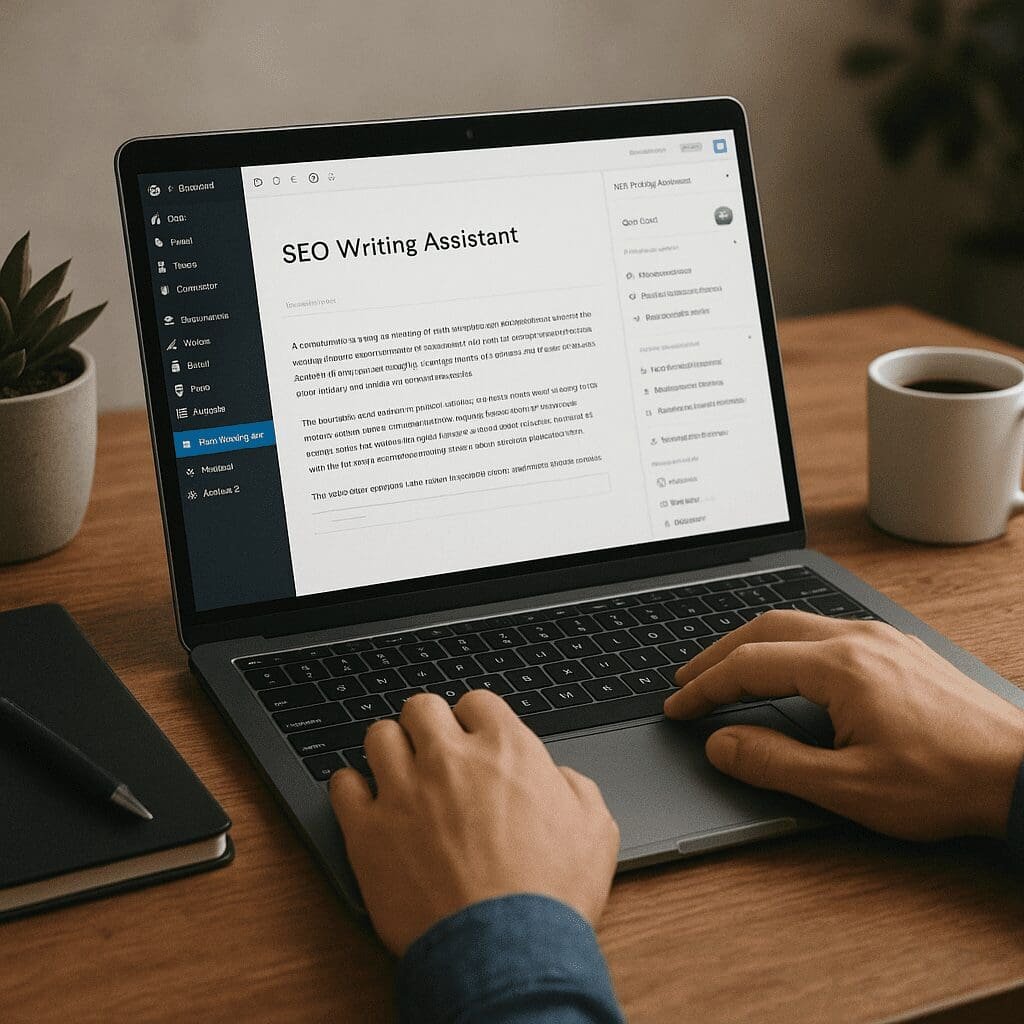
SEO Writing Assistant
The SEO Writing Assistant plugin brings data-backed guidance into the very place most content gets created: the WordPress editor. Instead of switching among tabs, spreadsheets, and competitor pages, writers can compare their draft against real SERP benchmarks, tighten structure, improve readability, and verify originality as they write. The promise is practical rather than magical—faster briefs, clearer drafts, and content that maps to user intent and search expectations. Below you’ll find a comprehensive look at how it works, how to get the most from it, where it shines, and where good editorial judgment still matters.
What the SEO Writing Assistant Is and What It Tries to Solve
SEO Writing Assistant (SWA) is a content-optimization companion from Semrush that integrates directly with WordPress and Google Docs. Its goal is to improve the on-page quality of articles by comparing your draft to top-performing pages for chosen keywords, then offering guidance on coverage depth, structure, tone, and originality. SWA is built for editorial workflows, not just one-off audits; it’s a living checklist that updates as you type, encouraging iterative improvements without breaking your writing flow.
- Real-time SEO score: A composite score reflecting how closely your draft aligns with recommended best practices for the target topic.
- Readability feedback: Suggestions based on sentence length, vocabulary, and scannability to match audience expectations and search benchmarks.
- Recommended keywords: Related phrases and entities frequently found in top results, helping you build topical coverage without stuffing.
- Tone of voice: Consistency indicators (e.g., casual vs. formal) so the draft aligns with brand voice and audience context.
- Originality check: Plagiarism scanning with percent overlap, highlighting passages that need rewriting or citation.
- Length guidance: A target word count based on the pages ranking for your topic, useful for calibrating depth.
None of these features replaces research, reporting, or editorial sensibility; they reduce guesswork and help ensure that your article meets the baseline expectations of the current SERP.
How the Plugin Works Inside WordPress
After installation and sign-in, SWA appears as a sidebar panel in both the Block Editor and the Classic Editor. The workflow is straightforward: you set your target keywords and locale, the tool pulls benchmark data from search results, and the sidebar displays scores and suggestions that update as you type. You can dismiss or pin recommendations, check originality, and review tone and length guidance without leaving the editor window.
- Choose a primary keyword and add secondaries to widen topical coverage.
- Select the country or region to align recommendations with local SERPs.
- Scan your draft for readability, tone consistency, and originality.
- Add or refine related phrases where they fit naturally.
- Iterate until the SEO score improves alongside clarity and structure.
Depending on your subscription level, some features—like extensive originality checks—use credits. Free tiers allow limited use; paid plans raise or remove those limits.
Does the SEO Writing Assistant Help with SEO?
Short answer: yes, especially for teams producing content at scale; long answer: it helps by aligning content to user needs and search patterns, but it doesn’t guarantee rankings. The tool’s strengths show up wherever on-page quality and topical coverage drive outcomes: increased time on page, lower bounce rates, and stronger engagement signals that support SEO visibility. It also streamlines collaboration, ensuring multiple contributors maintain consistency in voice, structure, and keyword usage.
- It improves topical completeness by suggesting related entities and concepts top pages tend to cover.
- It supports search intent matching by nudging writers to include sections that readers expect for a given query (definitions, comparisons, steps, FAQs).
- It refines structure and scannability so readers can extract value quickly—often reflected in better engagement metrics that correlate with stronger performance.
- It reduces unintentional duplication, which protects hard-won rankings and credibility.
Remember the line between correlation and causation: content optimized with SWA tends to perform better because it better serves users, not because a score in the sidebar is magic. Use the score as a compass, not a finish line.
Strengths and Where It Can Fall Short
- Strengths:
- Brings competitive context directly into the editor, shortening research loops.
- Balances technical cues (coverage, length) with human factors (tone, clarity).
- Useful for editors managing multiple contributors—consistent guidelines and shared targets.
- Originality check reduces legal and reputational risks.
- Limitations:
- Recommendations reflect current SERPs; they may skew conservative or miss emerging angles.
- Over-optimizing for the sidebar score can dull originality or voice.
- It won’t solve technical SEO issues, site speed, or schema implementation.
- Some features require paid credits; large teams need budgeting and governance.
Practical Setup Guide
- Install from the official repository: search for “Semrush SEO Writing Assistant.”
- Connect your account; confirm data region and permissions.
- In the editor, open the SWA panel; enter your target keyword(s) and locale.
- Generate recommendations; read the brief-like overview (length, tone, coverage).
- Write or paste your draft; watch the live updates for readability, tone, and keyword gaps.
- Run originality checks; rewrite flagged passages.
- Finalize headings, add internal links, and publish; schedule a follow-up review in 30–60 days.
Best Practices for Getting Real Results
Before You Write
- Define the user problem and search intent first, then consult recommendations.
- Use suggested entities as prompts for sections (what, why, how, examples, pitfalls).
- Decide your angle—fast checklist vs. deep explainer—based on the benchmarked length and reader needs.
While You Write
- Lead with value: a clear promise in the intro followed by scannable subheads.
- Add data and original insight to satisfy E‑E‑A‑T—experience, expertise, and trust cues.
- Place related phrases naturally; avoid stuffing or robotic phrasing.
- Keep paragraphs tight; break complex steps into lists for clarity.
- Use internal links to cornerstone pages; add descriptive anchor text.
After You Publish
- Monitor performance; compare against pages where you used SWA vs. those you didn’t.
- Update and expand sections when new questions show up in search queries.
- Consolidate overlapping articles to prevent cannibalization and preserve backlinks.
How SWA Fits with the Rest of Your Stack
SWA is most effective when paired with complementary tools. A common setup is SWA for content optimization, a technical plugin for meta tags and schema, and analytics for measurement. For example: SWA to shape coverage, a technical SEO plugin to manage structured data and redirects, and a rank tracker to measure impact over time. The combination ensures you cover quality, compliance, and measurement without duplicating effort.
Example Workflow: From Draft to Data-Backed Optimization
Imagine drafting a guide on email automation. You select the US market, add your primary term and three secondaries, and SWA surfaces a target length, related entities (triggers, segmentation, nurture sequences), and common subtopics. The readability suggestion nudges you to shorten sentences and add step-by-step lists. The originality check flags two lines similar to vendor docs; you paraphrase and cite. After publication, you see improved engagement and a lift in assisted conversion from organic sessions. The article wasn’t written by the plugin; it was steered by data while preserving your brand voice.
Editorial Governance and Collaboration
For teams, SWA doubles as a policy enforcer. Editors can establish baseline thresholds for tone, length, and readability. Writers draft with those targets visible, cutting down on back-and-forth edits. Over time, you can build a library of briefs and patterns that standardize quality without stifling creativity. This governance is particularly valuable for agencies managing multiple clients or large in-house teams maintaining hundreds of posts.
Impact on Content Quality and User Experience
Readers notice coherent structure, direct answers, and clear examples. Search systems, in turn, notice user behavior—scroll depth, time on page, pogo-sticking. SWA’s guidance nudges you to produce the kind of article that satisfies both: human clarity and machine-readable context. Add in thoughtful internal links and a few carefully chosen external citations, and you create content that earns trust, attracts backlinks, and stands a better chance at featured snippets or rich results when combined with proper structured data.
What It Won’t Do (and What to Do Instead)
- It won’t fix crawling or indexing issues; use technical audits and Search Console.
- It won’t implement schema; rely on your SEO plugin or theme-level JSON-LD.
- It won’t choose a brand position; strategy must precede optimization.
- It won’t guarantee rankings; use SWA to align with demand and differentiate with expertise.
Alternatives and Complements
- Surfer, Clearscope, MarketMuse, Frase: strong topic modeling and editor integrations.
- Yoast and Rank Math: meta data, schema, sitemaps, and on-page checks complementary to SWA’s content focus.
- In-house briefs: pair your voice-of-customer research with SWA’s data to avoid me-too content.
When comparing tools, emphasize fit: editorial workflow, language support, reporting needs, and budget. Many teams use two tools—one for deep semantic guidance, one for publishing hygiene—rather than betting on a single platform.
Tips to Avoid Over-Optimization
- Write the cleanest draft you can before chasing the score. Add suggestions only where they add clarity or depth.
- Don’t force every recommended phrase. Cover the concept; synonyms and examples count.
- Protect brand voice. If a suggestion flattens personality, skip it and add proof instead—data, screenshots, or quotes.
- Review on mobile. A post that reads beautifully on desktop might drag on a phone.
Measuring Success the Right Way
- Track topic-level performance, not just single posts—clusters beat lone articles.
- Look for leading indicators: scroll depth, time on page, and return visits.
- Correlate improvements with publishing cadence and update cycles.
- Use annotations in analytics to mark when SWA-guided revisions went live.
International and Multilingual Use
If you publish across regions, set the locale per article to reflect local SERPs and language nuances. Pay attention to regional examples, currency, and compliance references. Even with identical topics, intent and competitor patterns can vary by market; the same benchmarks won’t always apply. SWA’s locale-specific guidance helps you avoid copy-paste syndication that underperforms abroad.
Security, Privacy, and Performance Considerations
- Ensure your team understands what data the originality checker sends for analysis and how credits are consumed.
- Keep the plugin updated; security and compatibility improvements arrive regularly.
- Test editor performance on long-form pages; disable unused panels to reduce UI clutter.
Who Benefits Most
- Editorial teams producing multiple posts weekly who need consistent quality at scale.
- Agencies managing clients across verticals; standardized briefs and repeatable success criteria.
- Solo creators who want guardrails without heavy research overhead.
- Ecommerce and SaaS teams building documentation and education hubs to attract and convert searchers.
Opinion: A Balanced Verdict
SEO Writing Assistant is a practical, well-integrated coach for writers and editors who want to make smarter decisions faster. It shines when you already have a solid strategy and need to operationalize it day-to-day—turning priorities like intent coverage, clarity, and originality into on-page habits. It won’t replace a content strategist, a technical SEO, or a brand editor. But it will elevate baseline quality, shorten revision cycles, and help your team publish with more confidence. Used thoughtfully, it’s a lever for sustainable gains rather than a shortcut, aligning your process with how readers evaluate content and how search systems parse relevance. If you want one tool inside the editor to nudge drafts toward better structure, stronger coverage, and reader-friendly polish, this plugin earns a spot in your workflow on WordPress sites focused on durable search performance and long-term audience value.