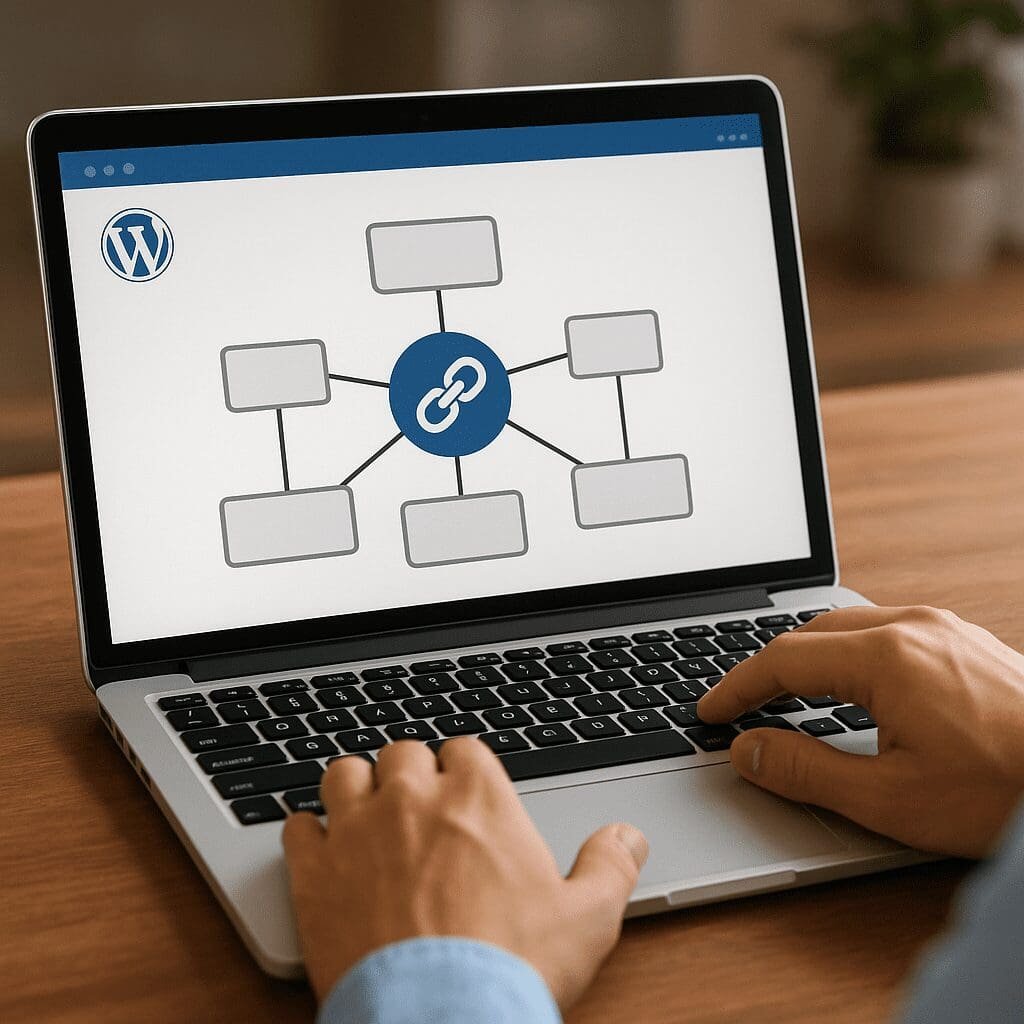
SEO Internal Links
Effective internal links are one of the most underrated levers in WordPress SEO. The SEO Internal Links plugin exists to make this discipline repeatable, measurable, and faster, especially for large sites with many posts, products, and taxonomies. Below you’ll find a thorough look at what the plugin does, how it influences rankings and user experience, recommendations for configuration, and a balanced opinion based on typical outcomes site owners report after adopting a structured approach to internal links.
What SEO Internal Links Is and Why It Exists
SEO Internal Links is a WordPress plugin designed to create and manage links between your own pages, posts, categories, and other content types. At its core, the plugin uses rule-based logic to transform specified keywords or phrases into links pointing to relevant URLs across your site. The goal is to help you systematically distribute authority, surface important content, and guide readers along meaningful journeys. For editorial teams that publish frequently, or for stores with many product pages, this becomes a force multiplier: a single rule can add hundreds of relevant, consistent links without manual editing.
Where manual internal linking tends to be sporadic and dependent on individual authors, the plugin enforces a consistent strategy. It helps ensure that cornerstone guides, high-margin products, or priority landing pages are linked from relevant articles over and over, improving visibility and reducing the risk of “orphaned” content that receives no inbound links from within your domain.
How Internal Links Boost SEO and Where the Plugin Fits
Search engines rely on links to understand importance, relationships, and context. Strong, relevant internal links add clarity. Used correctly, they improve crawlability, distribute PageRank throughout your site, and reinforce topical clusters by connecting supporting articles to a central hub. The plugin’s value is not merely convenience; it enforces a structure that would be laborious to create by hand at scale.
Key benefits include:
- Establishing clear site architecture so bots and users alike can navigate to priority content quickly.
- Emphasizing target topics with consistent, descriptive anchor text, which can help search engines interpret page intent.
- Consolidating authority to cornerstone pages by linking them from multiple articles and product descriptions.
- Reducing orphaned content by ensuring every new post receives at least a few contextual references from existing pieces.
- Improving engagement metrics by giving readers relevant next steps via contextual links embedded naturally in the text.
Without tooling, achieving this across hundreds or thousands of posts is brittle. With the plugin, you codify rules once, then allow the system to apply them consistently with each new publication or update.
Core Features and How They Work
Keyword-to-URL Rules
The central feature maps a keyword or phrase to a destination URL. When the plugin finds that text in eligible content, it inserts a link. Sophisticated implementations offer options like case sensitivity, whole-word matching, link only on first occurrence, and per-post-type targeting (e.g., only link on posts and products, not on pages). This reduces false positives and keeps links readable and natural for users.
Limits and Placement Controls
Good internal linking isn’t about creating as many links as possible; it’s about adding the right links in the right places. Most deployments let you limit the number of automatic links per post, per keyword, or both. You can usually exclude headings, captions, and excerpts, and you can often prevent links inside existing links to avoid nested markup. Some setups allow prioritizing certain sections (e.g., link within the first 300 words), which can help both user experience and SEO.
Attributes and Rel Controls
You can typically define attributes on generated links: open in new tab, add rel values like sponsored or nofollow for cases where you want to avoid passing signals, or append tracking parameters for analytics. For internal SEO, most links remain followed, but the flexibility is useful when linking to ancillary pages that you don’t want to emphasize.
Rule Management and Organization
Effective rule sets are easy to read and maintain. The plugin commonly provides search, filters, categories, and bulk actions so you can adjust groups of rules as your content strategy evolves. Many teams create rule clusters based on topic, campaign, or funnel stage. For example, one cluster for product education (pointing to guide hubs), another for conversion (pointing to trial or demo pages).
Compatibility and Editorial Workflow
Modern versions integrate with the block editor (Gutenberg) and often remain compatible with the Classic Editor. Editorial teams can preview content with links applied to ensure style guidelines are upheld. Typically, rules work across posts, pages, and product custom post types, and can optionally extend to category or tag archives depending on your setup.
Configuration Blueprint: From Zero to Valuable Signal
Start with Cornerstones
Identify 5–15 key pages that define your site’s thematic authority and conversion paths. For each, list 3–7 primary keywords or phrases that appear naturally in your existing content. Create rules mapping those phrases to the cornerstone URLs. Limit the first batch to modest levels (e.g., 1–2 links per keyword per post, 5–8 total links per post) so the roll-out remains natural.
Expand to Supporting Content
Once cornerstones are set, map supporting articles to each other within topic clusters. If you run a travel blog, link country guides to city guides, and city guides to local itineraries. If you run an eCommerce shop, link category introductions to top products and buying guides. This helps your taxonomy structure become more discoverable and meaningfully connected.
Refine Matching and Exclusions
Protect readability. Exclude headings if your style guide discourages links in H2s or H3s. Configure whole-word matching to avoid partial matches that produce awkward anchors. Use stop lists to keep certain pages free of automatically generated links (e.g., landing pages with tight conversion copy).
Balance Link Density
There’s no universal “right number,” but internal linking should feel helpful, not cluttered. A practical baseline is 3–10 internal links in most 1,000–1,500-word posts, with short posts receiving fewer. The plugin’s per-post and per-keyword limits give you the guardrails to stay within these ranges while scaling up publication volume.
Does SEO Internal Links Really Improve Rankings?
Internal linking is a known ranking factor and a key input into how search engines distribute authority and understand topical relationships. While no plugin can guarantee rankings, websites that implement structured internal linking often see medium-term gains in impressions and clicks. Improvements typically appear in:
- Visibility for cornerstone pages that receive new links from many supporting posts.
- Indexation rates for previously orphaned or deep pages that are now easy to reach.
- Keyword coverage around specific topics due to coherent clusters reinforced by consistent links and anchor variety.
The plugin’s role is to provide consistency and scale. The “lift” comes from the strategy you encode: choosing which pages deserve attention, curating high-quality target URLs, and pairing them with anchors that match searcher language without feeling forced to human readers.
Pros, Cons, and Who Will Benefit Most
Advantages
- Speed and consistency: Set once, apply everywhere. This saves editorial time and reduces human variability.
- Strategic reinforcement: Your site can evolve toward a clear hub-and-spoke structure that supports topical authority.
- Lower maintenance debt: Updating a target URL in one rule cascades across the site instead of editing dozens of posts.
- Error reduction: Avoids missed opportunities and inconsistent anchors that dilute messaging.
Limitations
- Risk of over-optimization: Aggressive settings can create repetitive anchors and unnatural density.
- Context blindness: Rules operate on text matches; they can’t fully understand nuance, humor, or contradictory contexts where linking is unwanted.
- Maintenance required: As content grows, you’ll need to prune rules, update targets, and handle edge cases.
Best Fit
Large blogs, newsrooms, education portals, and eCommerce catalogs benefit most. Niche sites with fewer than 30–40 pages can manage links manually, though the plugin still helps keep things tidy.
Best Practices for Sustainable Results
1) Curate Your Anchor Map
Align anchors with natural language. Mix exact phrases, partial phrases, and synonyms that humans use. Keep anchors short and descriptive. This is where the plugin becomes a force for good rather than a blunt instrument.
2) Link to the Best Possible Destination
Ensure each rule points to a definitive, high-quality page. If two pages compete for the same intent, consolidate or pick the stronger; do not split signals accidentally.
3) Use Sensible Limits
Cap links per keyword and per post. Start conservatively, audit, then expand if the experience remains smooth. Use “first occurrence only” for high-frequency phrases to prevent repetition.
4) Exclude Unsuitable Areas
Block automatic links inside headings, buttons, or microcopy where links look odd. Maintain a list of pages where no automatic links should appear, such as minimalist landing pages.
5) Review Logs and Spot-Check
Regularly review where rules triggered and spot-check newly published posts. Adjust matching to prevent false positives and maintain editorial tone.
Performance, Stability, and Scaling
Internal linking at scale touches many posts, so performance matters. Good implementations employ caching or on-save processing so links don’t get recalculated on every page load. If your site is large, test rule changes on a staging environment, and keep rule lists organized. Be mindful of plugins that process content on the fly for each request. For high-traffic sites, prefer approaches that apply links when a post is saved or when the cache is warmed.
As your content library grows, so does the value of automation. The plugin prevents link rot caused by outdated manual edits: update a URL once, and the internal mesh follows. This contributes to scalability without sacrificing strategic control.
Common Pitfalls and How to Avoid Them
- Using the same anchor everywhere. Add anchor variations to avoid monotony and potential over-optimization signals.
- Linking generic words. Don’t turn basic verbs or common nouns into links unless there’s clear user benefit.
- Ignoring user experience. Links should feel like helpful recommendations, not intrusive markers every few words.
- Overlooking mobile reading. Dense link clusters are especially distracting on small screens; set conservative limits.
- Neglecting analytics. Tag a subset of rules with parameters or track clicks to understand which links drive behavior.
How It Compares to Alternatives
There are multiple internal linking approaches in WordPress. Some SEO suites include basic suggestion tools, and a few specialized plugins focus on auto-linking by keywords. SEO Internal Links typically emphasizes rule-driven, content-embedded links rather than sidebar widgets or purely manual suggestions. If you prefer manual curation, a suggestions panel may be better. If you value systematic coverage across thousands of posts, a rule engine is often superior. Many teams blend both: use manual links on flagship content and rules for the long tail.
Use Cases Across Different Site Types
Editorial Sites
Map recurring phrases (e.g., key people, organizations, or thematic series) to their explainer pages. This improves comprehension and keeps readers engaged with evergreen backgrounders.
eCommerce
Link product category terms to buying guides and vice versa. Connect size guides and shipping policies contextually where users need them. Reinforce top categories on relevant blog posts to drive discovery.
SaaS and B2B
Attach product capability terms to documentation, case studies, and demo pages. Build a central resources hub and funnel readers there from every related article.
Local Businesses
Connect location pages to service pages and region-specific case studies. Use neighborhood names, landmarks, and service variants as triggers to route users to the right conversion surfaces.
Editorial Governance and Team Workflow
Define ownership: who can add rules, who reviews them, and how conflicts are handled. Store rule rationales (why the rule exists, which funnel stage it supports) so new team members understand context. Schedule quarterly reviews to prune underperforming rules and to align with new campaigns or changes in information architecture.
Measuring Impact
- Track internal link counts to cornerstone pages and monitor search performance for those URLs.
- Use analytics events or parameters to observe click-through rates on internal links across templates.
- Monitor crawl stats for improved discovery and reduced indexation lag on deep pages.
- Watch behavioral metrics like time on page and pages per session to assess whether links enrich reading paths.
Improvements often appear gradually as crawlers revisit content and redistribute signals across your network of pages.
Security, Maintenance, and Reliability Considerations
As with any plugin, verify update cadence, compatibility with your WordPress and PHP versions, and basic code quality. Keep backups, test on staging, and avoid overlapping auto-linkers that could produce duplicate links. If your site uses multilingual plugins, ensure rules are either language-specific or use localized anchors to avoid mismatched links.
Opinion: Is SEO Internal Links Worth Installing?
For small sites, manual internal linking can be sufficient if you’re disciplined. Yet, most sites outgrow manual effort quickly. SEO Internal Links earns its keep when you publish regularly, manage many categories, or need to rescue overlooked assets from obscurity. The plugin isn’t a strategy on its own—it’s a strategy amplifier. When you invest in a thoughtful anchor plan, choose strong destinations, and keep link density humane, the plugin turns that strategy into repeatable execution. If you let it run unchecked with generic anchors and high limits, you’ll get clutter and diminishing returns.
In short: use it as a precision tool, not a blunt instrument. Do that, and you create a resilient internal web that supports rankings, improves navigation, and pays dividends every time you hit Publish.
Actionable Setup Checklist
- List 10–20 cornerstone pages and assign 3–7 natural anchors to each.
- Configure conservative per-post and per-keyword limits; enable first occurrence only for common phrases.
- Exclude headings, buttons, and short-form pages from automatic linking.
- Add a review cadence: monthly spot-checks and quarterly rule audits.
- Track internal link clicks and search performance for prioritized URLs to validate impact.
Frequently Asked Questions
Will automatic linking create penalties?
Used responsibly, no. Internal linking is encouraged when it helps users. Problems arise from spammy density, manipulative anchors, or irrelevant destinations. Keep anchors natural, destinations useful, and limits reasonable.
Should I use rel nofollow on internal links?
By default, no. Internal links are a signal of importance. Reserve nofollow for rare cases like login pages or utilities where you don’t want emphasis. Most editorial and product links should remain followed.
What about link cannibalization?
Avoid sending the same anchor to competing pages. Consolidate duplicate content, then map distinct anchors to clear destinations. When two pages truly target different intents, vary anchors accordingly.
How many links are too many?
There’s no fixed number. Aim for helpful density that reads naturally. For typical long-form posts, 3–10 internal links often works well. Let relevance drive decisions, and adjust plugin limits if content feels cluttered.
Does it replace manual linking entirely?
No. Keep manual links for nuanced cases, unique editorial emphasis, and complex narratives. Use the plugin for coverage, consistency, and maintenance efficiency.
Final Takeaway
SEO Internal Links converts internal linking from a tedious chore into a structured capability. It strengthens topical clusters, clarifies pathways through your content, and steadily channels attention to the pages that matter most. Pair it with clear objectives, curated anchors, and healthy limits, and you’ll build an internal network that quietly powers discovery, authority, and conversions—without adding friction to your publishing workflow.
Key terms emphasized in this article: internal linking, anchor text, crawlability, PageRank, contextual links, taxonomy, automation, scalability, nofollow, Gutenberg.