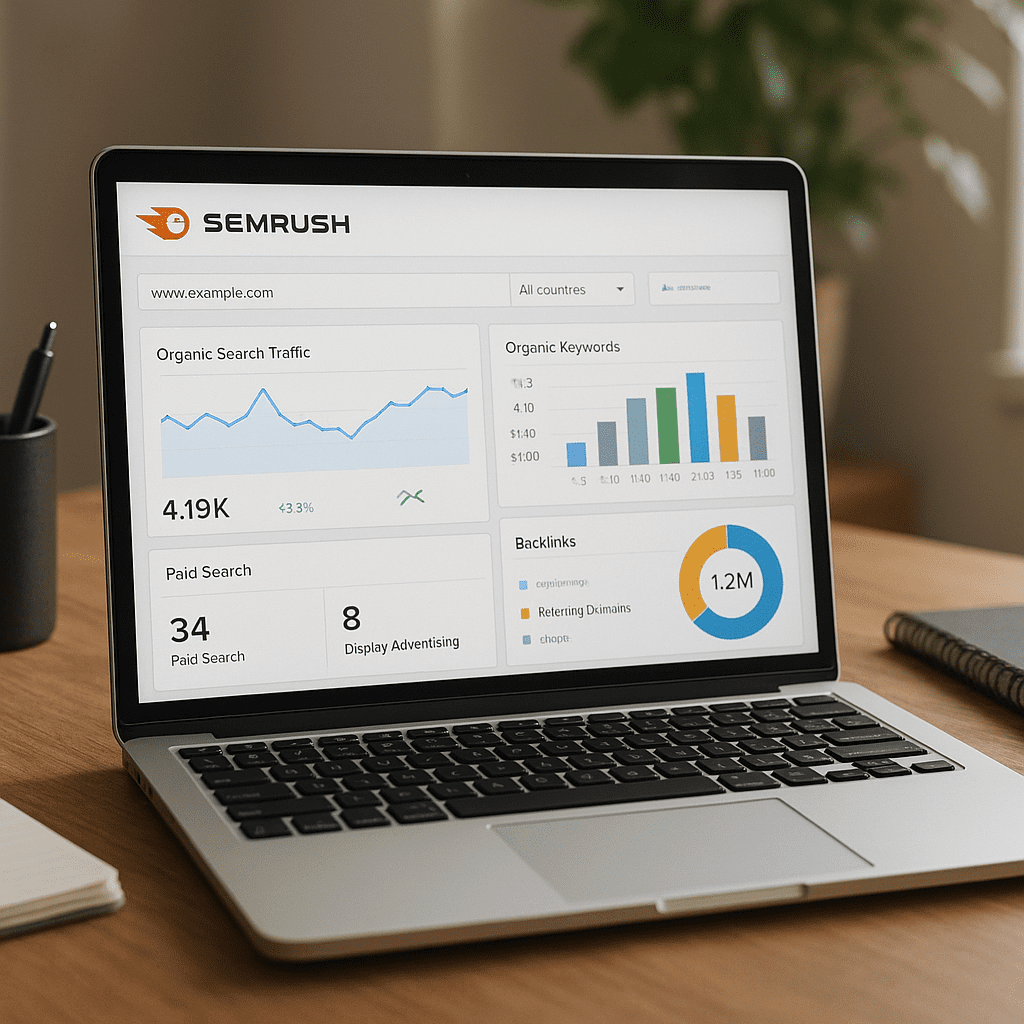
SEMrush
Semrush, often still called SEMrush by long‑time users, is a comprehensive platform for discovering growth opportunities across search, ads, and content. It brings together competitive research, rank tracking, site audits, backlink intelligence, and content tools into one interface so marketers can plan strategies, execute campaigns, and measure performance from a single place. For small businesses, the promise is clarity on where to start; for larger teams, it is operational scale and shared visibility across channels. While no tool replaces fundamentals like audience understanding and quality writing, Semrush reduces guesswork and connects everyday tasks—finding keywords, diagnosing issues, analyzing competitors—with data you can act on.
What Semrush Is and How It Works
Semrush is a SaaS platform built around massive search and backlink databases, proprietary crawlers, and partnerships that enrich traffic estimates. It monitors rankings across millions of SERPs, crawls the open web for links and on‑page signals, and marries those observations with click and cost data to surface opportunities. In practice, you enter a domain or a topic, and Semrush returns a structured view: who ranks, why they might rank, what content exists, which search features appear, and how much demand there is. This isn’t a simple dashboard; it is an interconnected set of research and execution modules that help you move from hypothesis to action.
Behind the scenes, Semrush maintains separate databases for different countries and devices, and updates them on rolling schedules. Its keyword data blends public sources, panel-based clickstream, and its own large-scale scraping. Backlink indices and a cloud crawler power the Site Audit and Backlink Analytics modules; a rank tracker monitors target terms at chosen locations and devices; and the Content Marketing Toolkit helps plan and evaluate articles with semantic recommendations. The result is a living model of the search landscape that, while never perfect, is directionally useful when interpreted with context.
- Domain and Keyword Research: Domain Overview, Organic Research, Keyword Overview, Keyword Magic Tool, Keyword Gap
- Technical and On‑Page: Site Audit, On Page SEO Checker, Log of issues and recommended fixes, Core Web Vitals integration via field data
- Authority and Links: Backlink Analytics, Backlink Audit, Link Building Tool, Brand Monitoring
- Tracking and Reporting: Position Tracking, My Reports, custom dashboards, tag/folder organization
- Content and PR: Topic Research, SEO Writing Assistant, Content Template, Social media scheduling and monitoring
- PPC and Competitive Ads: Advertising Research, PLA Research, CPC/Competition metrics, Ad history
- Market Intelligence: Market Explorer, Traffic Analytics for benchmarking, Audience overlap and journey paths
- Research Extras: Sensor for SERP volatility, Trends for topical demand spikes, App Center integrations
Does Semrush Actually Help With SEO?
Used well, yes. Semrush helps identify demand, intent, technical blockers, and competitive openings. It doesn’t write copy for you or guarantee rankings, but it accelerates the loop of research, execution, and measurement. The key is to translate insights into deliverables—pages, internal links, and outreach—while validating results with your own analytics stack.
Workflow 1: Foundation for a New or Stalled Site
- Benchmark: Use Domain Overview and Organic Research to understand current visibility, top pages, and declining trends. Export historical data to see if losses correlate with algorithm volatility (via Sensor) or site changes.
- Opportunity Mapping: In Keyword Gap, compare yourself to a short list of peers. Filter by top‑of‑funnel vs. transactional topics, and by SERP features like People Also Ask or video.
- Prioritization: In Keyword Magic Tool, cluster by topic and modify lists with intent filters. Choose a small set of thematic clusters where you can realistically compete within 3–6 months.
- Plan: Create a content calendar using Topic Research and build briefs with SEO Writing Assistant’s semantic prompts. Align each article to a specific user intent and internal link target.
- Implement: Use the Content Template to capture term coverage and competitors’ common elements. Publish and interlink new pages; ensure breadcrumbs, sitemaps, and canonical tags are clean.
- Measure: Set Position Tracking with tags for each cluster and map them to GA/GSC for conversions. Review weekly, not daily, to avoid noise.
Workflow 2: Technical Stabilization
- Crawl: Run Site audit on a schedule. Address crawlability first (status codes, robots directives, canonical mismatches), then index bloat, then speed and CWV.
- Templates: Use issue filters to isolate sitewide patterns—pagination, faceted navigation, or duplicate title patterns—and fix them at the template level.
- Validation: After releases, compare error trends and rerun targeted crawls. Pair with GSC coverage data to see if improvements translate to indexation lift.
Workflow 3: Content Expansion and Refresh
- Inventory: In Organic Research, sort pages by traffic and position. Identify pages at positions 5–12—these are low‑hanging fruit for optimization.
- Gaps and Cannibalization: Use Position Tracking to find terms with multiple URLs ranking; consolidate or clearly differentiate.
- Refresh: Use On Page SEO Checker to gather TF‑IDF‑style ideas, internal link suggestions, and technical checks. Measure delta in impressions via GSC.
- Topical Authority: Build out adjacent subtopics and FAQs surfaced in Keyword Magic Tool and People Also Ask. Interlink clusters with descriptive anchors.
Workflow 4: Link Acquisition and Digital PR
- Prospecting: Backlink Analytics reveals referring domains and anchors of top rivals. Backlink Gap pinpoints sites linking to competitors but not you.
- Value Assessment: Prioritize by relevance and domain quality using Authority Score, link type, and traffic estimates. Avoid chasing vanity metrics alone.
- Automation: Use the Link Building Tool to sequence outreach and track responses. Combine with Brand Monitoring to reclaim unlinked mentions.
- Risk: Backlink Audit highlights patterns that may be manipulative. Keep a lean disavow file only when warranted by clear patterns, not isolated low‑quality links.
Workflow 5: Local and SERP Feature Targeting
- Local: In Position Tracking, set city‑level location and monitor Local Pack presence, reviews, and NAP consistency via listings integrations.
- Features: Identify where SERP features exist and restructure pages accordingly—FAQs for PAAs, schema for HowTo/FAQ, video for video carousels.
- Zero‑Click Resilience: Target terms where your snippet can win clicks with unique angles, tools, or downloadable assets.
Workflow 6: PPC and Organic Synergy
- Shared Language: Use Advertising Research to learn ad copy hooks for high‑CPC terms, then mirror successful language in meta titles where relevant.
- Budget Allocation: Move terms with high organic momentum from paid to organic focus and vice versa; monitor blended CPA using Position Tracking and ad data.
Data Quality, Interpretation, and Reality Checks
Every third‑party platform trades completeness for speed and coverage. Semrush is strong, but its numbers are estimates that should be triangulated. For example, Keyword Difficulty is a modeled probability that a page will rank, influenced by link signals, SERP makeup, and competition; search volume is averaged over time and sometimes lags real‑time sentiment; traffic estimates are modeled and more reliable directionally than absolutely.
- Authority Score: Useful for sorting outreach prospects but not a Google metric. Treat it as a relative measure of a domain’s presumed influence.
- Keyword Difficulty: Good for prioritization buckets (easy, medium, hard) but not precise cutoffs. Consider SERP composition and intent alignment, not just the number.
- Search Volume: Seasonal, geo‑dependent, and sometimes smoothed. Validate with GSC impressions after launch.
- Rank Tracking: Set correct location and device; avoid interpreting day‑to‑day fluctuations as trends.
- Backlink Counts: Different tools see different slices of the web. Compare trends over time, not raw counts, and focus on topical relevance.
In other words, Semrush excels at showing patterns. You provide the judgment and the strategic tie‑breakers.
Strengths, Limitations, and Fair Opinion
Strengths first. Semrush offers breadth without feeling shallow: keyword clustering, competitive gap analysis, robust backlink crawling, and a practical Site Audit that prioritizes fixes. The Content Toolkit lowers the barrier to producing pages that cover entities and subtopics users expect. Position Tracking is reliable enough for client reporting and supports tagging, SERP feature tracking, and cannibalization checks. The Market Explorer suite and Traffic Analytics give a market‑level vantage point that many suites lack, especially helpful for category entry plans.
Limitations exist. Pricing tiers constrain daily exports, projects, and tracked keywords, which can pinch agencies with many small clients. Estimates for very small geographies or niche industries may be thin. Some UI layers surface many suggestions of uneven quality; teams need editorial judgment to separate signals from noise. For JavaScript‑heavy sites, the Site Audit’s rendered crawl may not mirror how search engines fully process state changes, so pairing with server logs or RUM data is wise. Finally, any all‑in‑one suite risks becoming a default answer to every question; sometimes the best research is a manual SERP read combined with customer interviews.
Opinionated verdict: for most teams, Semrush is one of the two or three best all‑around search suites. It is fast, well‑maintained, and expansive enough to anchor daily workflows. Its learning curve is reasonable, and its reporting is client‑friendly. Accuracy is sufficient for planning when you calibrate with first‑party analytics. If you expect laboratory precision from a third‑party index, you will be disappointed; if you want directional clarity and leverage at scale, you will be pleased.
Practical Tips to Get More Value
- Define Your Market Set: Build a living list of real competitors—not just who you aspire to beat. Refresh monthly; competitive sets drift.
- Tag Ruthlessly: In Position Tracking, tag by funnel stage and topic. This makes “what moved the needle” conversations faster.
- Calibrate Difficulty: Create an internal rubric that blends Semrush KD with your domain strength, SERP makeup, and content quality requirements.
- Cluster with Care: Use Keyword Magic grouping but inspect SERPs to ensure terms truly belong together. Intent mismatches kill performance.
- Template Hygiene: Fix titles, H1s, and breadcrumb patterns in templates so improvements scale.
- Internal Links: Use On Page SEO Checker’s internal link suggestions as prompts, then weave links into contextually relevant spots.
- Feature Hunting: Sort opportunities by SERP feature presence; build the right asset types (video, tools, checklists) rather than only articles.
- PR Loops: Run Brand Monitoring weekly to reclaim unlinked mentions and convert them to backlinks with a kind outreach nudge.
- Quarterly Content Audits: Export page‑level data—impressions, clicks, positions, and conversions—and decide whether to update, merge, or prune.
- Reporting Cadence: Monthly is a sweet spot. Weekly for fast experiments, quarterly for strategic pivots.
Interesting Facts and Ecosystem Notes
Semrush began in 2008 and grew from a competitive keyword research tool into a public company on the NYSE (ticker SEMR). Over the years it added Market Explorer, Sensor, a social media toolkit, and an App Center that extends capabilities via third‑party integrations. The SEOquake browser extension—an early and popular utility—originated from the same founders and still helps with quick, page‑level checks in the SERP. Semrush’s data coverage spans dozens of regional databases, with particularly deep coverage in North America and Europe; niche or emerging markets may lag but have improved steadily.
Integrations tie the suite into everyday stacks: connect Google Analytics and Search Console for Position Tracking and On Page SEO Checker; push tasks to Trello or other PM tools; use the Google Docs or WordPress plugin to bring the SEO Writing Assistant into your drafting environment. For agencies, client portals and white‑label PDFs make reporting smoother; for product‑led companies, Market Explorer and Traffic Analytics provide a quick read on attention flows and category saturation.
How It Helps Different Teams
Solo Founder or Small Business
A simple setup—Site Audit, Position Tracking for key terms, and a handful of content briefs—can generate traction. Focus on a small cluster of topics, clean technical basics, and local presence if relevant. Build a predictable cadence: two new pages per month, plus one optimization of an existing page.
In‑House SEO at Mid‑Market Company
Semrush becomes the hub for prioritization and cross‑functional alignment. Share weekly trend snapshots with product and content teams; pipeline issues from Site Audit into engineering tickets with crisp acceptance criteria; and maintain a backlog of topic clusters aligned to revenue goals. Use Market Explorer to argue for (or against) entering adjacent categories.
Agency or Consultant
Leverage Semrush to win pitches (opportunity maps and competitive gaps), standardize deliverables (keyword clusters, briefs, link prospecting lists), and demonstrate progress (tagged rank buckets and traffic estimates). The ability to pivot on a client call—from macro market views to a specific page’s issues—builds trust.
Caveats, Ethics, and Sustainable Practice
Semrush’s abundance of suggestions can tempt teams into checkbox SEO. Resist that impulse. Build for users first: cover the task to completion, show unique data or perspective, and make the experience fast and accessible. Use the tool’s recommendations to inform, not dictate, your structure. Be cautious with aggressive anchor‑text tactics in link building; prioritize editorial, relevant links instead. When auditing competitors, learn from patterns without copying; legal and ethical lines matter as much as rankings.
A Simple, Repeatable Playbook
- Quarterly: Reassess categories with Market Explorer. Choose two clusters to expand, one to defend, one to prune.
- Monthly: Refresh priority pages, publish one new hub, and run Site Audit to maintain technical health.
- Weekly: Review Position Tracking and SERP changes. Identify 2–3 internal link additions and 5 outreach targets from Backlink Gap.
- Per Page: Match user intent, map internal links, add schema where relevant, and set a conversion micro‑goal.
- Post‑Launch: Watch GSC impressions and CTR for two weeks, then adjust title/meta for better alignment; confirm changes in your first‑party analytics.
Where Semrush Stands Among Alternatives
Against other top suites, Semrush’s strengths are breadth, speed, and integrated content workflows. Ahrefs often leads in raw backlink exploration and SERP overview ergonomics; Similarweb can go deeper on corporate‑level audience modeling; Screaming Frog and Sitebulb remain specialists for technical crawling. The pragmatic choice is to adopt Semrush as the daily driver and complement it with a specialist crawler and a manual SERP review routine. For many teams, that trio covers 90 percent of real‑world needs at reasonable cost and complexity.
Final Take
Semrush helps teams move from scattered tasks to cohesive search strategy. It shines when you combine its research modules with disciplined execution: building the right content, earning contextual links, and removing technical friction. Treat its numbers as directional metrics, aim pages at clear user problems, and measure outcomes with your own data. Used that way, Semrush not only supports SEO but becomes a shared language across marketing, product, and leadership—a map, a compass, and a progress tracker in one.
As a closing, pragmatic opinion: if you want a single platform that can help you understand demand, craft pages that meet it, track results, and iterate, Semrush is worth the seat. Tune the setup to your market, avoid busywork, and let validated signals guide you. Over time, the compounding effect—better topical coverage, stronger domain trust, and clearer decision‑making—outweighs the subscription cost many times over.