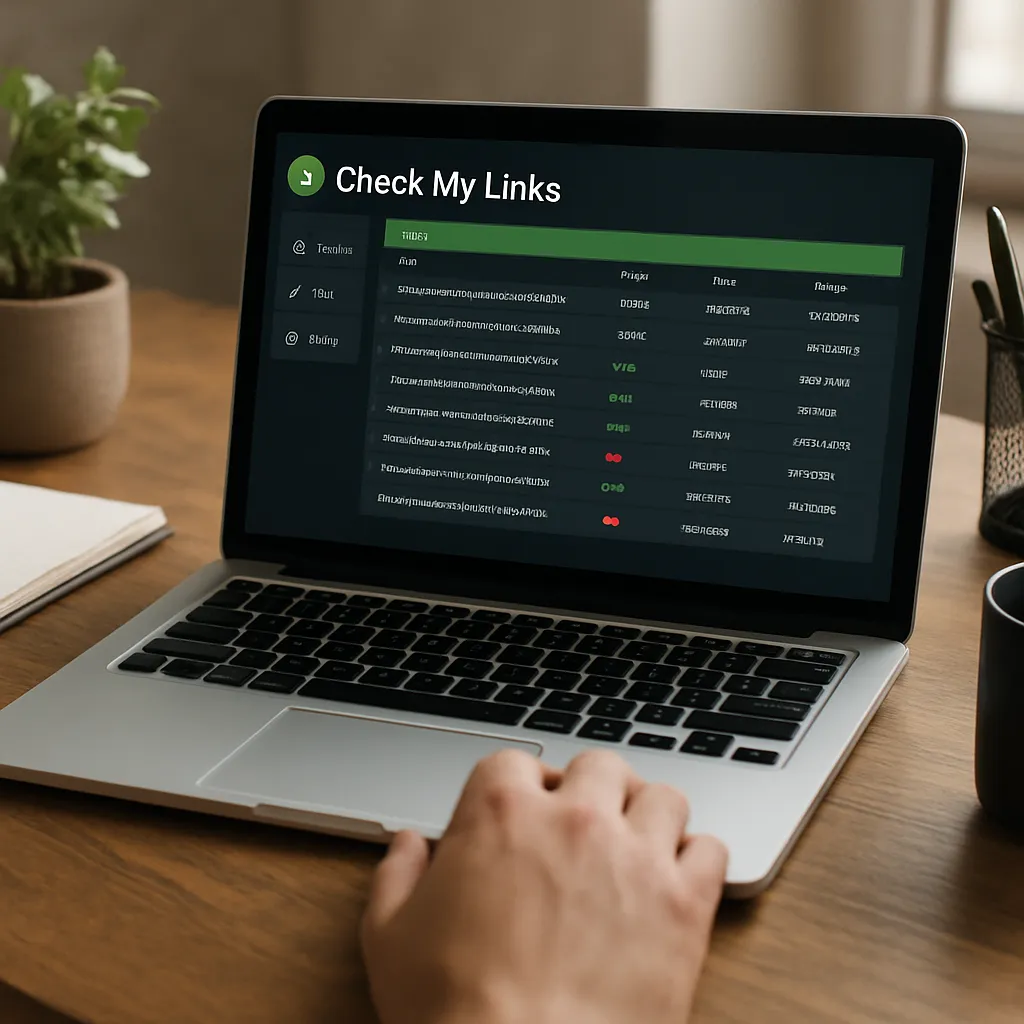
Check My Links
Check My Links is a lightweight Chrome extension built for editors, marketers, and developers who need to quickly verify the health of links on any web page. Instead of exporting sitewide reports or configuring a crawler, you click a button in your browser and get an instant, color-coded overlay that shows which links are working, which are broken, and which may be redirecting or returning non-standard responses. For teams that publish frequently or maintain large content archives, this immediate feedback loop reduces friction between content creation and quality control while helping safeguard user experience and maintain link equity.
What Check My Links is and how it works
At its core, Check My Links parses the DOM of the current page, discovers anchor elements and other link-like targets, and sends lightweight HTTP requests to validate response status. When the scan completes, the extension highlights links directly within the page:
- Valid links are highlighted in green, signaling a successful response.
- Problem links appear in red, typically indicating client or server errors (for example, a 404 or 410).
- Redirects, warnings, or atypical responses are often shown in amber to prompt closer inspection.
Because results are overlaid on the live page, you can scroll and immediately see patterns: clusters of broken references in an old resource list, a handful of outdated external links, or a template component that’s injecting a dead link globally. Many users appreciate that you don’t need to leave the page, and that visual cues are paired with a summary count of totals at the top of the panel. Where supported, you can copy the list of broken URLs and work from a clipboard-friendly task list without re-typing long addresses.
This simplicity is precisely why the extension has endured. It doesn’t try to become an enterprise crawler; rather, it specializes in fast, in-context verification that helps content owners fix issues in minutes instead of days. Paired with basic browser developer tools, it’s a clean way to debug pages in staging or production.
Why broken links matter for SEO and users
Dead and redirecting links erode trust, confuse search engines, and create friction for readers. While a single broken link won’t sink a site, patterns of errors can add up to budget waste for bots, muddled signals for ranking, and a poor on-site experience that increases abandonment. With a quick pass from Check My Links, you can identify problems early and decide whether to update, remove, or replace affected links.
Here’s how this helps with discoverability and quality:
- Preserving equity flow: Internal links distribute relevance and help search engines understand page relationships. Break the chain and you reduce the probability that important pages are discovered and prioritized.
- Reducing friction for bots: Excessive errors and loops can make crawling less predictable, and a messy link graph can slow down how quickly changes are reflected in search results.
- Clarifying signals: Links that resolve cleanly reduce ambiguity in indexing decisions and prevent mixed messages caused by stale redirects or intermittent errors.
- User trust: Readers associate smooth navigation with editorial reliability. Broken citations, especially on resource pages and documentation, undermine credibility.
- Brand reputation: Outdated or insecure links (for example, HTTP to HTTPS mismatches) can trigger warnings that reflect poorly on your brand.
Search performance is not just about winning new links; it’s also about protecting the authority you already have by ensuring every path you publish leads somewhere useful. Quick page-level checks are a low-effort way to maintain that standard.
Core use cases where Check My Links shines
Although it’s a general-purpose validator, several tasks are particularly well-suited to the extension’s speed and visual overlay.
Editorial quality assurance before publishing
- Open your draft or preview URL in Chrome.
- Run Check My Links and review highlights inline.
- Fix obvious issues (typos in URLs, outdated resources), re-run to confirm, and publish with confidence.
This workflow turns link checking into a 60-second habit that prevents embarrassing errors from ever reaching production.
Maintaining resource hubs and roundup posts
Resource libraries and curated link lists decay quickly. A periodic pass with the extension helps you replace dead references with fresher sources, consolidate duplicates, and ensure anchor text remains accurate. The same approach works for footnotes, documentation portals, and FAQ pages.
Internal link hygiene
Themes and design systems often inject shared components—headers, footers, or promotional blocks—across dozens or hundreds of pages. If a single link in a shared template breaks, it proliferates sitewide. Spot-checking representative templates with Check My Links is a simple guardrail that can catch systemic problems before they spread further.
Link building opportunities
The extension also aids a classic tactic: broken link replacement. On topical articles within your niche, scan for dead external references. If you have content that credibly replaces the dead resource, reach out to the publisher with a polite note. Because Check My Links reveals problems at the exact point of failure, it provides the context you need for high-conversion outreach messages.
Features and workflow tips
Check My Links emphasizes fast feedback without configuration bloat. Here are practical pointers for getting more from it:
- Color-coded overlay: Treat green as “confirmed working,” red as “action required,” and amber as “investigate further.” If you see an unusual number of amber highlights, test those URLs directly to understand the response chain.
- Status details: Hovering or inspecting highlighted links typically exposes HTTP codes. Use these to distinguish a temporary outage (503) from a permanent error (404/410) or a redirect (301/302).
- Copy results: After scanning, gather the list of problem URLs via the extension’s interface and paste it into your ticketing system or doc for batch fixing.
- Exclude noise: Many pages use javascript:, tel:, or mailto: schemes that aren’t true HTTP requests. The extension is generally smart about not flagging these as broken, but verify behavior on your site and adjust your QA checklist accordingly.
- Check after deploys: Make a quick scan part of your post-deploy ritual, especially after URL rewrites, redirects, or CMS template changes.
Used this way, the extension doubles as a micro-linter for links—fast enough for daily use and precise enough to point you to the exact DOM node that needs attention.
How it supports broader SEO initiatives
On its own, a browser add-on will not overhaul a site’s performance. But in combination with other processes, it provides critical guardrails that protect organic visibility and editorial integrity.
- Redirect management: When migrating content, run a quick check on representative pages. If many internal links still point to legacy paths, update them to the final destination instead of relying on redirect chains.
- Canonical and parameter pitfalls: Occasionally, links with unnecessary parameters or inconsistent capitalization can create duplicate paths. Use Check My Links to spot patterns and clean them up before they propagate.
- HTTP to HTTPS cleanup: Post-migration, verify that legacy HTTP links were updated to HTTPS to avoid mixed content issues and needless redirects.
- Citations and sources: If your site depends on references to external studies or partners, broken sources can become editorial liabilities. Replace dead citations proactively and, where appropriate, host critical assets you control.
These hygiene tasks ensure link structures stay tidy, which is beneficial for SEO as well as human readers who expect consistent navigation and trustworthy references.
Comparisons and complementary tools
Check My Links excels at immediate, page-level verification. For broader tasks, you’ll often pair it with other solutions:
- Screaming Frog or Sitebulb: Full-site crawlers that inventory links across tens of thousands of URLs, follow sitemaps, and export rich reports. Use them for deep projects and recurring maintenance; use Check My Links for quick spot checks while you edit.
- Ahrefs, Semrush, or Majestic: Off-site link intelligence platforms. They map external link profiles and measure referring domains. These don’t validate on-page links during editing, so the extension fills a different gap.
- WordPress Broken Link Checker: Handy on smaller sites, but may add server overhead. A browser extension avoids backend load and works on any CMS.
- LinkMiner: Another Chrome option geared toward broken link building; includes metrics overlays from third-party APIs. Check My Links stays simpler and faster for pure validation.
- Xenu, Integrity (Mac), or Dr. Link Check: Desktop and SaaS validators for larger sweeps. Better for scheduled audits; less convenient for in-editor, real-time fixes.
If you’re deciding where to start, use Check My Links for in-browser verification and a crawler for quarterly or monthly inventories. That layered approach prevents small issues from snowballing into sitewide problems.
Strengths and limitations
What it does exceptionally well
- Speed and simplicity: Zero setup, instant results on any accessible page.
- Visual clarity: On-page highlights reduce context switching; you fix issues where you see them.
- Low overhead: No server-side processes, databases, or credentials required.
- Actionable outputs: Copyable lists of problem URLs for rapid tasking.
Where you may hit constraints
- Scope: It checks the active page, not your entire site. For large inventories, you need a crawler.
- Dynamic states: Complex single-page apps, gated content, or conditional rendering may require user interaction before links appear in the DOM.
- Rate limits and timeouts: Remote servers can throttle or block rapid validation requests, so intermittent errors are possible.
- No scheduling: It’s on-demand only; there’s no automation layer for recurring checks.
These aren’t flaws so much as design choices. The extension deliberately stays focused, making it a superb companion to heavier tools rather than a substitute.
Practical checklists and pro tips
Pre-publish link checklist
- Run Check My Links on the preview URL.
- Resolve any red highlights; investigate amber results.
- Replace or remove dead external sources; update internal links to final destinations (no chains).
- Verify anchor links (for example, #section-ids) still match headings after edits.
- Re-run to confirm a clean bill of health before you hit publish.
Quarterly hygiene routine
- Audit high-traffic evergreen pages and top navigation paths.
- Refresh curated resource pages and long-form guides with many references.
- Review legal and policy pages where external references are sensitive.
- Spot-check pages affected by recent CMS or template changes.
Pro tip: When you find a broken external citation, search the web archive or the source site for an updated version. If none exists, identify a credible replacement that preserves the original claim; annotate your change log for editorial transparency.
Does Check My Links help SEO in measurable ways?
Indirectly, yes. By keeping internal and external references healthy, you reduce noise in site signals and offer a smoother navigation path for both bots and people. This can help conserve crawl resources, avoid duplicate or orphaned content, and retain link equity that supports rankings across your site. The tool doesn’t generate backlinks or content by itself, but it preserves the structural integrity required for sustainable growth.
Moreover, it contributes to editorial standards and accessibility. Clear, functioning links are small but meaningful parts of digital quality that align with usability guidelines. While you would use separate tools for structured data testing or performance measurements, link health remains a foundational pillar.
Accessibility, governance, and risk management
For organizations with compliance needs, broken links can be more than a nuisance—they can be policy violations or legal liabilities in regulated environments. Using a page-level tool like Check My Links supports internal governance by making it trivial for editors to self-verify references during their normal workflow. Healthier links also benefit accessibility: screen reader users and keyboard navigators face fewer dead ends, and assistive tech can better follow the intended information architecture.
In larger teams, standardizing a pre-publish link check reduces rework downstream. Combined with conventions for anchor text, alt attributes, and semantic structure, this practice fits neatly into web content compliance programs without adding heavy process burdens.
Integration ideas and real-world workflows
Content teams
- Include a “Run Check My Links” step in your editorial definition of done.
- When updating old posts, scan once before edits and once after to catch regressions.
- Batch fixes: Use the copyable list to create a single ticket per page or per cluster of related pages.
Developers and QA
- Scan staging and production after deploying redirect maps or refactoring navigation components.
- Use it to confirm that dynamic routes render correct href attributes in SPAs after hydration.
- Pair with your browser console to debug elements whose hrefs are being transformed client-side.
SEOs and analysts
- Validate on-page changes before requesting re-crawls in Search Console.
- Check problem templates flagged by site crawlers to verify live behavior.
- Use it during content audits to triage the highest-impact broken paths first.
Performance notes and troubleshooting
On very large pages—think directories with hundreds or thousands of links—the extension may take longer to complete, and you may encounter temporary network-related errors. If this happens:
- Rescan after a short pause to rule out transient issues.
- Segment the page (for example, expand only one accordion section at a time) so the DOM contains fewer links per pass.
- Test from a different network or use a VPN if you suspect rate limiting from a host.
- Open suspect URLs directly in a new tab to verify whether the issue is persistent.
Remember that some servers behave differently for HEAD vs. GET requests, or return soft 404s that require human judgment. Treat the tool as a fast detector, and confirm critical cases manually when stakes are high.
Security and privacy considerations
Because the extension runs locally in your browser, it does not require site credentials and typically makes direct requests to linked resources. If you work with sensitive staging environments behind authentication, ensure you understand how requests are routed and whether external validation is appropriate. For public pages, the risk profile is low and similar to opening links manually—just much faster.
Opinionated verdict: who will love it, and who needs more
Check My Links is one of those rare utilities that earns a permanent place in the toolbar by doing one job exceptionally well. Editors who publish frequently can confirm link integrity without leaving the page. Developers can validate templates after deploys. Marketers can patrol evergreen resources in minutes. It won’t replace a full-site audit or replicate crawler-grade analytics, but it was never meant to. Instead, it delivers a rapid, visual “is this page safe to ship?” check that prevents small link problems from becoming systemic issues.
If you manage a large site or complex architecture, pair the extension with scheduled crawls, redirect monitoring, and analytics alerts. If you run a compact blog or documentation hub, the extension alone may cover 80% of your day-to-day needs. In both cases, the return on a 60-second scan is immense, turning link validation into a habit rather than a chore—and translating directly into editorial consistency, user trust, and operational efficiency.
Bottom line: use Check My Links wherever the browser is your workspace—during drafting, reviewing, and post-deploy spot checks. Keep your large-scale diagnostics in a dedicated crawler. Together, they create a pragmatic workflow that protects site quality, preserves link equity, and supports sustained organic performance without adding unnecessary process weight.