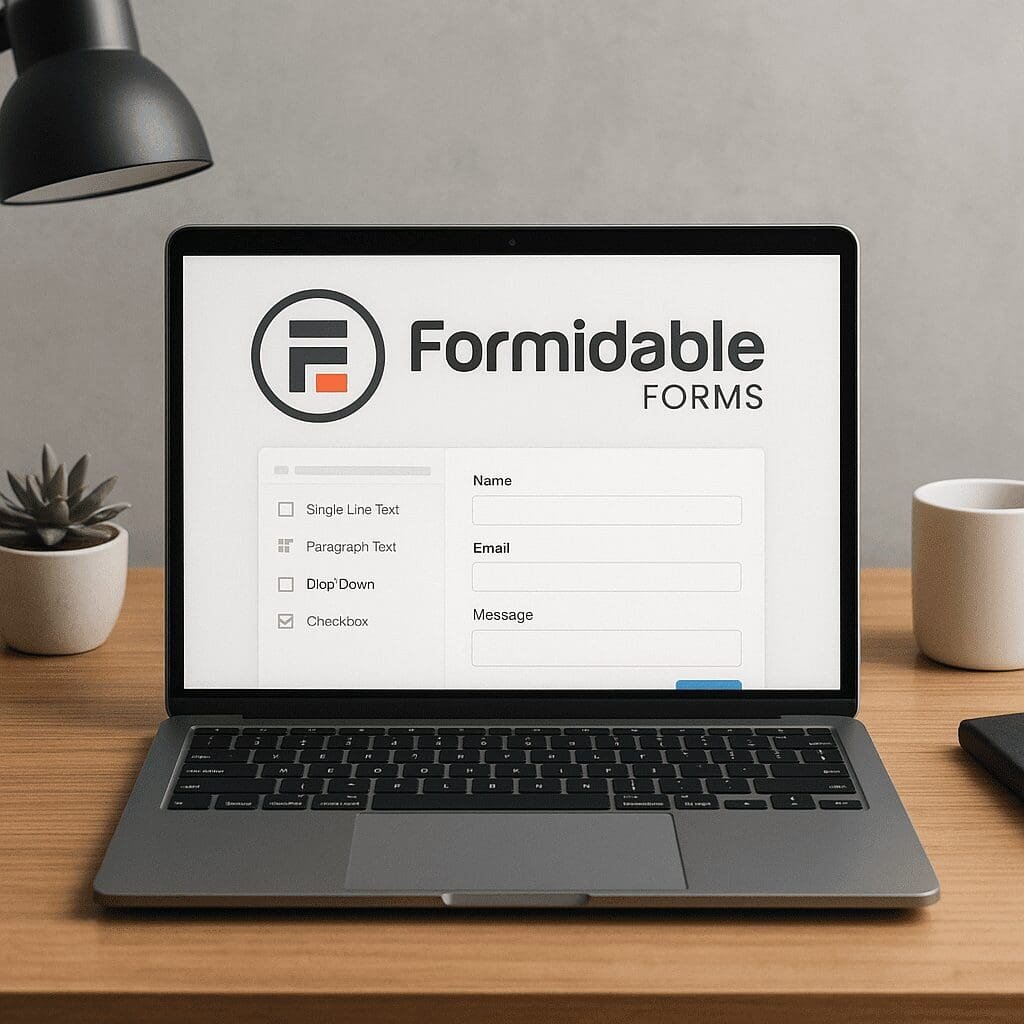
Formidable Forms
Formidable Forms is one of those WordPress plugins that quietly powers complex business logic behind deceptively simple interfaces. At its core, it is a drag‑and‑drop form builder; in practice, it is a toolkit for building calculators, directories, application workflows, dashboards, and even lightweight web apps without leaving your WordPress admin. Agencies use it to prototype quickly, product teams use it to collect and display data, and solo site owners use it to turn a brochure website into something interactive and measurable. If you have ever wished your forms could do more than send an email—store entries, filter them, show them back to users, accept payments, or drive automations—this plugin sits high on the shortlist.
What is Formidable Forms and why it stands out
Formidable Forms is a freemium WordPress plugin that helps you create forms of almost any complexity, from a single email field to a multi‑page form with conditional logic, repeating sections, calculations, and front‑end editing. The free version covers basic contact and lead forms; the premium editions unlock advanced field types, Views (to display entries on the front end), payment gateways, survey and quiz tools, user registration, API/Webhooks, and a library of templates like mortgage, ROI, or BMI calculators.
Where many builders focus on capturing data, Formidable also focuses on what happens next. Every form submission is stored in dedicated database tables and becomes addressable data. You can filter, sort, aggregate, and output that data anywhere on your site using shortcodes, widgets, or custom templates. This data‑centric approach is what allows you to build a vendor directory, a job board, a property listing page, or a support ticket portal where logged‑in users can create, view, and update their own entries—all without writing a full plugin.
The builder interface feels familiar: drag fields from a left panel, arrange them in rows, and customize labels, placeholders, and validation rules. Beyond that base layer you get conditional logic rules (show or hide fields based on previous answers), multi‑step pagination with a progress bar, dynamic field population, repeater fields, file uploads with size/type restrictions, and form scheduling/limits. For editorial workflows, you can route notifications to different recipients based on responses, assign posts or CPT items to form submissions, and even generate PDFs with add‑ons.
Core features mapped to real‑world use cases
There is a difference between a feature list and the kinds of problems a tool can solve. Here are typical projects that move faster when built with Formidable:
- Lead generation with conditional branching: Show only the relevant questions and route the lead to the right salesperson or CRM stage. Hide friction until it is needed, and capture UTM parameters in hidden fields for attribution.
- Interactive calculators: Pricing estimators, savings calculators, loan and mortgage tools, or shipping quotes. Formidable’s calculated fields and math functions make it straightforward to compute totals, display real‑time results, and email summaries to the visitor and your team.
- Surveys, polls, and quizzes: Likert scales, Net Promoter Score, and scoring logic for assessments. You can display results immediately or track them privately with charts in the backend.
- Customer portals and front‑end editing: Let users submit and then return to edit their own entries. This is common for job applicants, vendors updating profiles, or clubs maintaining member listings.
- Directories and listings: Combine a submission form with a View template to output entries as cards, tables, calendars, or maps. Add filters and search, paginate results, and moderate entries before publishing.
- Payment forms and order flows: Collect payments or deposits via Stripe or PayPal, optionally calculate totals from chosen options, and send invoices or receipts. Works for donations, simple bookings, or selling one‑off items outside a full storefront.
- Support intake and triage: Conditional logic to surface the right fields for different issue types, file uploads for screenshots, and autoresponders with ticket IDs. Forward to helpdesk tools via webhooks if needed.
- Content submission: Create or update WordPress posts, custom post types, and custom fields from a form. Perfect for guest posts, event submissions, or user‑generated galleries.
In short, anywhere you need to collect data, validate it, store it, and then do something consequential with it—display, calculate, gate, sync, or monetize—Formidable typically has a direct pattern or template to help.
Views: the differentiator for data‑driven pages
Formidable Views allow you to take entries and render them as front‑end content using a builder that assembles lists, tables, calendars, or single‑entry templates. You can filter (e.g., only approved entries, only this user’s entries), sort, and group by categories or dates. Insert pagination, add search forms, and display aggregate values like totals or averages.
This bridges the gap between forms and full applications. For example, a real estate site can accept property submissions, then use Views to list properties with pricing, images, and contact details. A community site can list upcoming events in a calendar fed by a submission form. A startup can show customer testimonials pulled from a review form, including star ratings and reviewer names. Each of these can be templated with HTML snippets and shortcodes, and styled via your theme.
Because entries sit in dedicated tables, queries for Views are typically efficient. You can also implement user permissions—show only the entries created by the logged‑in user, or restrict editing to certain roles—turning a simple form into an authenticated dashboard. This is where Formidable moves beyond a basic form builder into no‑code app territory.
Performance, security, and accessibility fundamentals
Form builders inject scripts, styles, and sometimes iframes (for payments or captchas), so attention to performance is crucial. Formidable loads assets on demand by default—only on pages with forms—reducing bloat across the site. You can further optimize by limiting the number of fields per page, enabling AJAX submit to avoid full reloads, and deferring noncritical scripts via your performance plugin. For heavy pages (calculators with many reactive fields), consider multi‑step pagination so the first paint remains fast, and cache computed fragments if they do not depend on user input.
On security, the plugin follows standard WordPress best practices: nonces to protect submissions, sanitization and validation for inputs, and capability checks for entry editing. Still, how you configure forms matters. Restrict file types and sizes on uploads, use reCAPTCHA or hCaptcha along with a honeypot, and optionally enable Akismet integration for spam scoring. For compliance, add consent checkboxes with explicit text, provide a data retention policy, and use built‑in tools to export or delete a user’s entries upon request. When connecting to payment gateways, ensure you run HTTPS, keep plugins updated, and review webhook secrets in your payment dashboard.
Good accessibility is essential for both ethics and conversion. Formidable supports ARIA attributes, required indicators, label associations, and keyboard navigation, but success depends on your theme and your content. Write useful labels (not just placeholders), maintain proper focus order, provide descriptive error messages that can be announced by screen readers, and keep color contrast high (especially for subtle borders and error states). After building a form, test with keyboard only, run a quick audit with tools like WAVE or axe, and verify on a mobile screen reader such as VoiceOver or TalkBack.
Integrations and automation potential
Forms rarely exist in a vacuum. Out of the box and via add‑ons, Formidable connects to email marketing services (Mailchimp, ActiveCampaign, Campaign Monitor), CRMs (HubSpot directly, others via Zapier/Make), project tools (Asana, Trello via webhooks), and messaging (Slack, Discord). It supports Stripe and PayPal for payments, with options for subscriptions, coupons, and tax/fee rules depending on gateway. If your use case is bespoke, you can post to any REST endpoint via Webhooks or write small functions using the plugin’s hooks and filters.
This integration layer enables true automation: upon submission, create a contact, tag them based on answers, start a drip campaign, open a support issue, and push a Slack alert to your team. You can set conditional logic inside notifications—send email A if the budget is above a threshold, email B otherwise—and even attach generated PDFs or CSVs. For multi‑system handoffs, pass along UTM, referrer, or campaign IDs through hidden fields, preserving attribution across steps.
Developers get more control through custom code: prepopulate fields with query vars or user meta, validate against external APIs, or transform entries on save. Since entries live in their own tables, bulk export to CSV/JSON and import from legacy systems are straightforward, which helps with migrations.
Does Formidable Forms help with SEO?
Strictly speaking, a form itself does not improve rankings. However, it meaningfully affects signals that surround search visibility. First, interactive tools like calculators and quizzes attract links and mentions—earning editorial backlinks remains a top driver for SEO outcomes. Second, forms influence engagement: when a page offers a clear path to request quotes, compare plans, or self‑qualify, users stay longer and scroll deeper, improving UX metrics that often correlate with better performance in search.
Formidable’s Views can create rich, indexable content from entries, which can expand your content footprint sustainably. For example, a directory of local vendors or a library of user‑submitted recipes becomes hundreds of crawlable pages powered by one submission pipeline. Be careful with thin or duplicate content; moderate entries, require meaningful text, and add unique elements like ratings or maps. Where appropriate, add schema markup to the View templates (e.g., Recipe, Event, or Review). While the plugin doesn’t automatically inject full structured data for every use case, it makes it easy to include template snippets.
On the technical side, avoid sabotaging Core Web Vitals. Keep form pages light, minimize render‑blocking, and lazy‑load third‑party scripts like reCAPTCHA. If you use AJAX submit, ensure proper success messaging so users do not bounce after clicking. For local SEO and lead gen, add store‑specific forms with location fields, tie entries to location pages, and route notifications to the right franchise or office.
Practical tips that connect forms to search goals:
- Target linkable formats: calculators, savings estimators, diagnostics, or checklists. Promote them with outreach.
- Capture query intent: align form questions with SERP intent (e.g., price estimation on pricing pages, appointment requests on service pages).
- Use hidden fields for UTM and landing page path, then attribute leads to content clusters—this helps you double down on topics that actually convert.
- Optimize thank‑you pages with next steps and internal links to keep users engaged and guide crawlers through important sections.
Comparisons with other WordPress form builders
Gravity Forms has long been a gold standard for extensibility, with a vast third‑party add‑on ecosystem. WPForms emphasizes simplicity and a beginner‑friendly interface. Ninja Forms sits somewhere between with a modular pricing model. Formidable’s niche is data presentation through Views, advanced calculations, and building apps that surface entries on the front end without bolting on another plugin. If your project requires a sophisticated quote calculator, a searchable directory, or user dashboards, Formidable typically reduces custom code compared to alternatives.
On the other hand, if you only need basic contact forms and a small newsletter integration, a lighter plugin may suffice. And if your team is already invested in a specific ecosystem (e.g., Gravity’s feeds and third‑party add‑ons), switching only makes sense if you need Views or the particular workflow advantages here. Styling philosophies differ too: some builders include heavy style layers; Formidable tends to inherit your theme styling, which keeps things consistent but may require targeted CSS for pixel‑perfect layouts.
Setup tips, best practices, and common pitfalls
Design for clarity and speed
Write labels as commands or questions users can answer without reading helper text. Group related fields, use section headings, and keep optional fields to a minimum. Consider multi‑step forms when you have more than a dozen inputs; surfacing only what’s relevant aids conversions. For calculators, show dynamic totals in real time and summarize inputs before submission so users trust the result.
Validation, spam, and deliverability
- Use input masks and validation messages that explain exactly what to fix. Avoid vague errors.
- Combine a honeypot with reCAPTCHA or hCaptcha. For audience‑sensitive sites, test both and evaluate false positive rates.
- Set up proper SPF, DKIM, and DMARC for your domain, and consider SMTP delivery via a transactional provider to ensure notifications land in inboxes.
Data modeling and Views
- Define the entities and relationships you need before building. If you plan to display entries, choose consistent field types and slugs.
- Use repeaters for items like multiple attendees, line items, or skills. Use lookup fields to relate entries across forms (e.g., authors to books).
- In Views, add server‑side filters early—do not fetch 10,000 entries just to hide 9,900 in the template.
Analytics and testing
- Track form interactions as events in your analytics platform (GA4 or privacy‑first alternatives). Measure start, step, and complete rates.
- Capture campaign parameters and referrers in hidden fields for end‑to‑end attribution.
- A/B test labels, button text, and field order. Even small changes can reduce friction.
Operations, scaling, and maintenance
- Plan for scalability: archive or export old entries, and avoid storing large files inline. Offload heavy uploads to object storage if needed.
- Use role‑based access to restrict who can view or edit entries. Enable logs for critical workflows.
- Staging first, then production: test gateway changes and integrations in a sandbox before going live.
Interesting capabilities you might not expect
- Conditional confirmations and redirects: Send different success messages or redirect to different pages based on answers.
- Front‑end post creation: Map fields to post titles, content, taxonomies, and custom fields. Great for UGC and events.
- Signature, slider, star rating, and range fields for richer inputs in surveys or approvals.
- Import/export pipelines: Move legacy data into Formidable to bootstrap a directory, or export entries for BI tools.
- Calculated logic with datediff, rounding, min/max, and nested conditionals for advanced estimators.
- Partial entries and Save & Continue: Reduce drop‑off on long applications and recover incomplete data for outreach.
- Scheduling and limits: Open or close forms at specific times, or cap submissions for limited offers.
Opinionated take: strengths, trade‑offs, and who should use it
Formidable Forms shines for teams that think in terms of data models, not just contact forms. Its Views system collapses entire stacks—form + custom CPT builder + listing plugin—into a single workflow, and its calculation engine handles quote builders that would be painful in many competitors. The plugin’s architecture, with dedicated tables and robust shortcodes, provides a clean foundation for building beyond the form itself.
Trade‑offs exist. The interface exposes a lot of power, which can feel dense at first. Advanced features live in higher‑tier licenses; that is normal for the category, but budget it in. Styling depends on your theme, which is typically good news for brand consistency, but certain layouts (e.g., complex multi‑column, mobile tweaks) may call for targeted CSS. And like any plugin that can do almost anything, it tempts builders to overreach—keep scope focused on solving clear problems rather than adding toggles because they are available.
Who should choose it? Agencies, product marketers, and site owners who need to turn WordPress into an interactive system—calculators, submissions that become content, portals with entry editing, or payment‑backed workflows—will likely move faster here than stitching multiple plugins together. If your use case is only a simple contact form, the free tier or a lighter alternative may be enough; but the moment you say we want users to submit data and then see it on the site, Formidable becomes an obvious candidate.
Workflow example: from idea to live data app in a day
Imagine a regional association wants a public supplier directory and a private member portal. With Formidable, you could:
- Create a Supplier form with company info, logo upload, categories, coverage area, and a contact field set.
- Enable moderation and map fields to a public Supplier View that lists cards with search and category filters.
- Create a Member Profile form with repeating fields for certifications and past projects, and enable front‑end editing for logged‑in users.
- Add a simple payment form for membership dues via Stripe, tagging members in your CRM with a webhook.
- Enable a dashboard page where each member sees and updates only their entries using role checks and logged‑in filters.
That stack would otherwise require multiple plugins or custom code, plus glue logic. Here, it is one ecosystem with a consistent UI.
Maintenance and future‑proofing
Any mission‑critical form is software you must maintain. Keep a changelog of forms, fields, and logic that affect revenue or compliance. When you add fields, preserve slug stability to avoid breaking Views or integrations. Back up entries before major updates, and snapshot your site before upgrading payment add‑ons. For long‑running sites, prune unused forms and entries to keep the database lean and queries snappy.
Looking ahead, the broader WordPress trend is toward composable, no‑code experiences. Expect deeper block editor compatibility, cleaner conditional rendering in Gutenberg, and continued improvements to entry filtering and templating. Privacy‑first tracking and server‑side tagging will matter more; Formidable’s data model and hooks make it adaptable to those shifts. Across categories, the winners will balance flexibility with clarity—powerful defaults that do not overwhelm.
Final verdict
Formidable Forms earns its keep when your site needs to move from static pages to interactive, data‑driven experiences. It is not just a field drawer; it is a toolkit for orchestrating inputs, logic, presentation, and handoffs across systems. With careful attention to integrations, security, performance, and accessibility, it can underpin serious workflows—from quote engines to directories to member portals—while staying friendly to editors who live in WordPress every day. Treat your forms as products: measure them with analytics, refine them for better UX, and let Views showcase the best of your community or customer data. Do that, and you will turn what used to be a dull contact page into a real engine for growth.