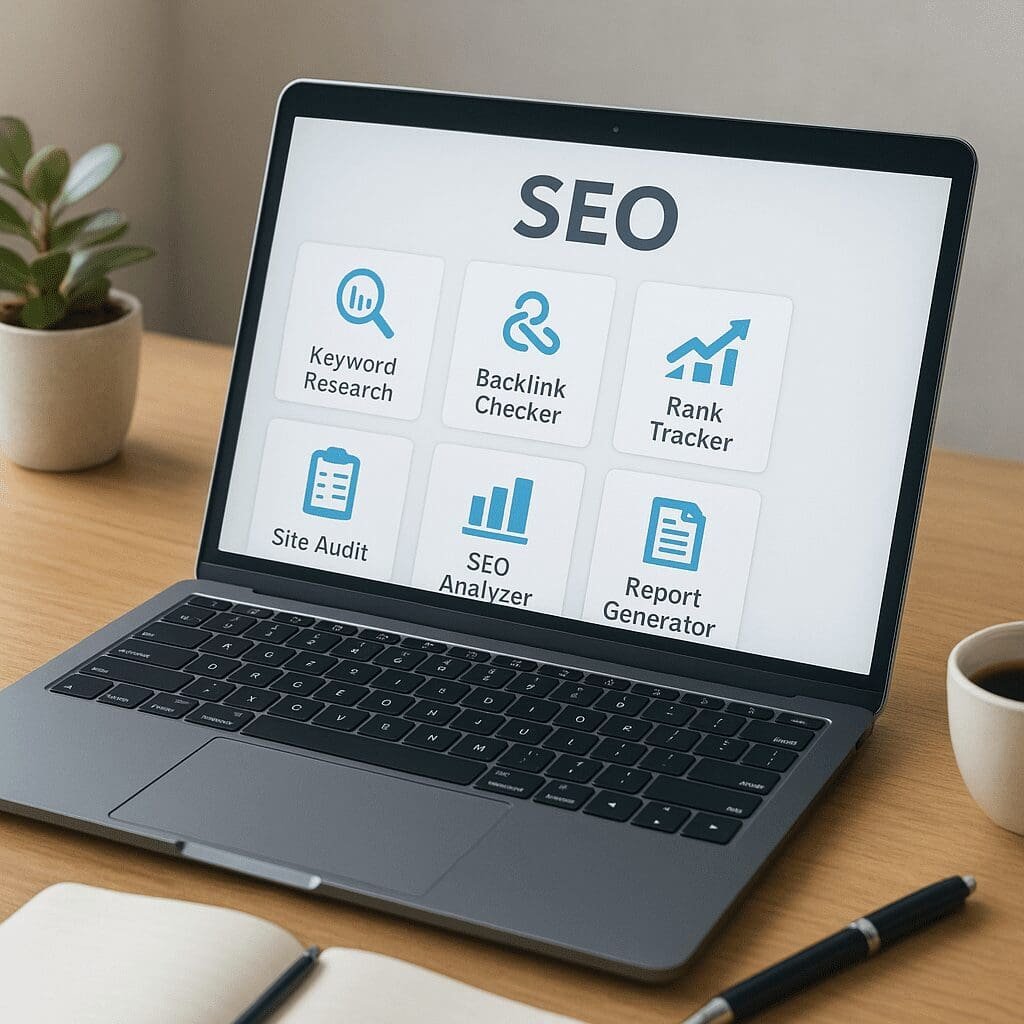
Small SEO Tools
Small SEO Tools is one of the web’s most recognizable free toolkits for marketers, bloggers, students, and small businesses who want to improve how they show up online without paying for an enterprise platform. The suite brings together dozens of utilities under one roof—ranging from a grammar checker and plagiarism scanner to backlink and keyword checkers—so you can move from idea to execution faster. It is not a silver bullet, and it cannot replace a full professional stack, but used thoughtfully it can become a reliable, time-saving companion for everyday SEO tasks.
What Small SEO Tools Is and How It Fits Into a Modern Workflow
At its core, Small SEO Tools (often reached at smallseotools.com) is a freemium collection of browser-based utilities. You visit a page, paste a URL or text, upload a file, and receive instant feedback in the form of summaries, warnings, and suggested fixes. This simplicity explains its popularity among non-specialists, as there is almost no learning curve, no installers, and typically no need to create an account for occasional use.
Under the hood, the suite blends in-house checks with third-party data sources. For example, a keyword position checker queries search engine results to estimate ranking positions for target queries; a backlink checker pings known link indexes to surface links pointing to your domain; a text analyzer counts term frequency to estimate keyword density. Each tool runs independently, which makes it easy to cherry-pick just what you need—whether you want to measure keywords, examine backlinks, or tidy up on-page content elements.
Because it’s browser-native and lightweight, Small SEO Tools fits well into quick triage and micro-optimization workflows: draft a post, scan it, apply suggestions, and publish. It also supports file utilities that marketers often need in the same session, such as PDF to Word, file compression, and image conversion, so you are not hopping between different sites to finish a task.
Key Tools and What They’re Good For
Content creation and quality assurance
- Plagiarism Checker: Compares your text against web sources to flag duplicated strings. It’s helpful for editorial integrity, guest post review, and academic submissions. Use it to be sure you’re not accidentally echoing someone else’s phrasing—especially when you work with external writers. The tool is also useful when repurposing old posts to ensure the refreshed draft is genuinely fresh. Because upload implies sharing content with a server, avoid sending confidential drafts; or anonymize and sample-check.
- Grammar and Spell Check: A straightforward layer for catching typos, tense issues, and punctuation. It won’t replace a human editor but can trim manual proofreading time for routine articles and product descriptions.
- Paraphrasing and Summarizing: These help rewrite and condense text. Use them ethically: they’re best for simplifying complex sentences, not for mass rewriting someone else’s work. Remember that overuse can flatten your brand’s voice and introduce errors. If your site relies heavily on AI rewriting, assess it against Google’s helpful content guidelines and double-check for plagiarism.
- Word Counter and Readability: Handy for adhering to editorial requirements and keeping paragraphs scannable. Pair with the keyword density analyzer to ensure your copy isn’t over-optimized.
On-page SEO and research
- Keyword Position Checker: Tracks where a URL appears for a query. Good for ad hoc checks, spot-monitoring new posts, and comparing locations. For ongoing monitoring of many keywords across regions, a dedicated rank tracker will be more accurate; but this tool is convenient for quick validations when you don’t want to open a full platform.
- Keyword Density Analyzer: Reports term frequency, helping you spot overuse. It’s a guide, not a rulebook: write naturally and check that your topical coverage is comprehensive rather than mechanically optimized.
- Meta Tag Generator and Analyzer: Builds or audits title and description tags. The analyzer can catch truncation risks and missing tags; the generator accelerates drafting options for testing.
- URL and Redirect Tools: Shorteners, URL encoder/decoder, and header status checkers help confirm that your canonical URLs, parameters, and redirects are functioning as intended.
Links, authority signals, and reputation
- Backlink Checker: Surfaces links pointing to your domain. Treat it as an overview: free indexes are typically smaller than premium link graphs. Use the report to find obvious spam, reclaim unlinked brand mentions, or discover small opportunities. For deeper research, export results and validate them in other link tools.
- Domain and Page Metrics: DA/PA checkers, spam score estimates, and trust indicators help assess relative strength. These are proxies, not absolute truths. They can guide prospecting (e.g., assessing an outreach target’s likely impact), but they should sit beside organic traffic and relevance signals. They’re great for prioritization when time is short and you must quickly estimate authority.
- Broken Link Finder: Identifies dead links on a page so you can fix outbound references or pitch replacements. Include it in routine content maintenance to prevent user frustration and preserve crawl equity.
Technical and performance utilities
- Site Speed and Performance Checks: Quick page tests highlight heavy images, slow servers, and layout shifts. While you’ll get more granular data from lab tools like Lighthouse or field data via CrUX, these checks are enough to flag low-hanging fruit.
- Sitemap and Robots Generators: Create XML sitemaps and robots.txt with basic directives. Validate before deploying and remember that incorrect robots rules can deindex valuable pages. Pair with Search Console submission for confirmation.
- Image Tools: Compressors, format converters, and reverse image search can reduce page weight and check originality. Lighter images typically improve Largest Contentful Paint, which feeds user experience and can indirectly influence rankings by improving engagement.
- IP, Domain, and Server Lookups: WHOIS, IP location, and DNS checks help diagnose hosting issues and verify site ownership details during migrations and audits.
Does Small SEO Tools Actually Help SEO?
Yes—if you align its strengths with the right jobs. It shines in speed, convenience, and breadth. When you need a quick scan of a landing page, a fast plagiarism check, a basic meta tag pass, or a one-off ranking look-up, it’s faster than booting a large platform or running a full crawl. For freelancers and small teams, that time saved accumulates into higher output and fewer mistakes.
Where it’s weaker is in high-scale data depth and consistency. Premium tools maintain massive link and keyword databases, support scheduled tracking, and provide consolidated dashboards and APIs. If your work depends on trend analysis, competitive research at scale, or enterprise reporting, Small SEO Tools alone will feel insufficient. Think of it like a Swiss Army knife: always handy, sometimes all you need, but not the ideal replacement for specialized power tools.
A Practical Workflow for Bloggers, Agencies, and Small Businesses
For a blogger publishing two posts a week
- Draft: Write your post and run the grammar checker to catch basic errors. Check readability and adjust paragraph length.
- Originality pass: Run the plagiarism checker on the full text or representative sections to ensure originality, especially if you used notes from multiple sources.
- On-page refinement: Use the meta tag generator to craft 2–3 title/description variants. Run the keyword density analyzer to ensure the post doesn’t stuff the main term and covers semantically related concepts naturally.
- Speed pass: Compress images with the image tool before upload. Test the page with the site speed checker after publishing to confirm improvements.
- Basic ranking check: Use the keyword position checker to verify discovery within a week. Revisit in a month to track movement.
For an agency onboarding a small client
- Quick discovery: Run a handful of URL status checks, a broken link scan on key templates, and a meta analyzer on the top 20 landing pages. This produces a punch list for week one fixes.
- Link snapshot: Pull a basic backlink report to identify spam you might disavow, top linking pages to protect during redesign, and opportunities to refresh old assets that earned links in the past.
- Technical hygiene: Generate or validate the XML sitemap and robots.txt. Confirm critical sections are crawlable. Perform a page-by-page header status check to locate accidental 302s or chains.
- Reporting: Export summaries and use them to prioritize tasks alongside more comprehensive platform audits. The quick snapshots help maintain momentum while deeper crawls run.
For an e-commerce owner making seasonal updates
- Bulk image prep: Compress and convert hero images and thumbnails to reduce overhead before peak traffic.
- Meta refresh: Use the meta generator with brand and category modifiers to rapidly test new angle variations for click-through improvements.
- Redirect sanity check: After rearranging categories, verify redirect maps with header and link checkers to prevent orphaned pages and lost equity.
Strengths, Limitations, and Data Considerations
Strengths include accessibility, speed, and tool variety. You can move from proofreading to metadata to link checks within minutes, making it ideal for ad hoc validations. Browser-based tools also reduce friction for collaborators who don’t have logins to paid platforms. Combined with common sense and a checklist, they can shrink turnaround time dramatically.
Limitations mainly reflect scope and methodology. Free rank checks rely on moment-in-time sampling. Link databases are smaller than the big paid indexes, so they may miss or lag behind new links. Traffic or volume estimates, when provided, are directional rather than precise. That’s fine for prioritization—but be cautious about making strict ROI projections from free data. For consistent campaign tracking, you’ll want scheduled reports and baseline comparisons from a dedicated platform.
You should also consider rate limits and file size caps. Large PDFs, long posts, or bulk domain checks may hit ceilings. Plan your work in chunks or combine tools with spreadsheets and scripts if you need light automation.
Ethics, Compliance, and Best Practices
Small SEO Tools includes paraphrasers and article rewriters. Use them responsibly. Over-reliance on automated rewriting can degrade expertise, introduce subtle inaccuracies, and harm long-term trust. Search guidelines emphasize people-first content, expertise, and helpfulness. Treat rewriting tools as assistants for clarity, not engines for mass content production. Pair them with subject-matter review and cite sources where appropriate.
Privacy matters, too. Avoid uploading sensitive documents—client contracts, unreleased pricing pages, or personally identifiable information—to any web-based checker. If you must, scrub details or sample only the sections you need to evaluate. Keep an internal policy so your team knows what’s safe to upload.
In short: use tools to accelerate good judgment, not to replace it. Maintain editorial oversight, validate with multiple sources when stakes are high, and track outcomes over time.
How It Compares to Paid SEO Suites
Small SEO Tools covers many of the same jobs as paid suites, but at a different altitude. If you’re doing competitive research across thousands of queries, modeling intent clusters, or building dashboards that update daily, you’ll want deeper data and automation. Tools like Ahrefs, Semrush, Moz, and dedicated crawlers provide crawling at scale, historical graphs, custom segments, and integrations with BI tools. That said, they’re expensive, and not every project needs that firepower every day.
A balanced approach is to use Small SEO Tools for quick checks and copy polish, while reserving premium platforms for scheduled tracking, sitewide technical tests, and comprehensive competitor analysis. The speed of the former offsets the overhead of the latter. You can also use Small SEO Tools to spot-check anomalies you observe in paid reports, giving you a second viewpoint before you escalate an issue.
Tips to Get More Value From Small SEO Tools
- Standardize a checklist: Define a pre-publication sequence: grammar > originality > meta > links > speed. This reduces context switching and ensures consistent quality.
- Sample intelligently: For long documents, check representative sections and rerun spot checks after edits.
- Combine tools: Run a broken link scan after updating internal links; compress images before speed testing; use the density analyzer immediately after finalizing headings.
- Document baselines: Keep a simple spreadsheet with dates, titles, initial ranks, and changes. Even without full dashboards, you’ll build your own trendline.
- Validate with reality: Use Search Console and analytics to confirm what free checks predict. If the data diverges, prioritize first-party signals.
Opinion: Who Will Love It, Who Will Outgrow It
Beginners, solo creators, and resource-constrained teams will love the immediacy of Small SEO Tools. It removes excuses to postpone hygiene tasks and provides a safety net against common mistakes. It supports experimentation—draft, check, tweak, ship—so you can iterate your way to better outcomes. For pros who already operate advanced stacks, it remains a handy companion for micro-tasks and emergency spot checks.
Power users driving complex campaigns will outgrow it for research depth, scheduled monitoring, and cross-team reporting. They’ll still find value in one-off utilities—image compression, meta tag drafting, broken link checks—but not as a primary engine of strategy.
Viewed this way, Small SEO Tools is best as a fast, multipurpose layer that keeps the basics tight. It helps teams execute the essentials—clear copy, clean links, sensible metadata, functional pages—so that deeper efforts in architecture, content strategy, and digital PR have a stronger foundation. And that foundation supports better discovery, healthier SERP visibility, and ultimately higher conversions.
Final Takeaways
- Use it for speed and breadth: proofreading, originality checks, meta tags, lightweight link reviews, and quick technical hygiene.
- Respect its limits: treat metrics as directional and validate with first-party data and authoritative tools when precision is required.
- Keep ethics front-and-center: automated rewriting should clarify, not replace expertise; protect sensitive information when uploading.
- Integrate into a repeatable routine: the combination of quick checks compounds into stronger site health and fewer regressions over time.
Small SEO Tools won’t write your strategy, but it will help you execute one more reliably. In a landscape where marginal gains accumulate, this lightweight toolkit becomes a practical ally—speeding up edits, clarifying priorities, surfacing issues early, and giving you just enough signal to decide when to escalate to deeper audit, full-site crawling, or advanced analytics. Used thoughtfully, it more than pays for the minutes you spend with it, and it keeps your fundamentals aligned with outcomes that actually move the needle.