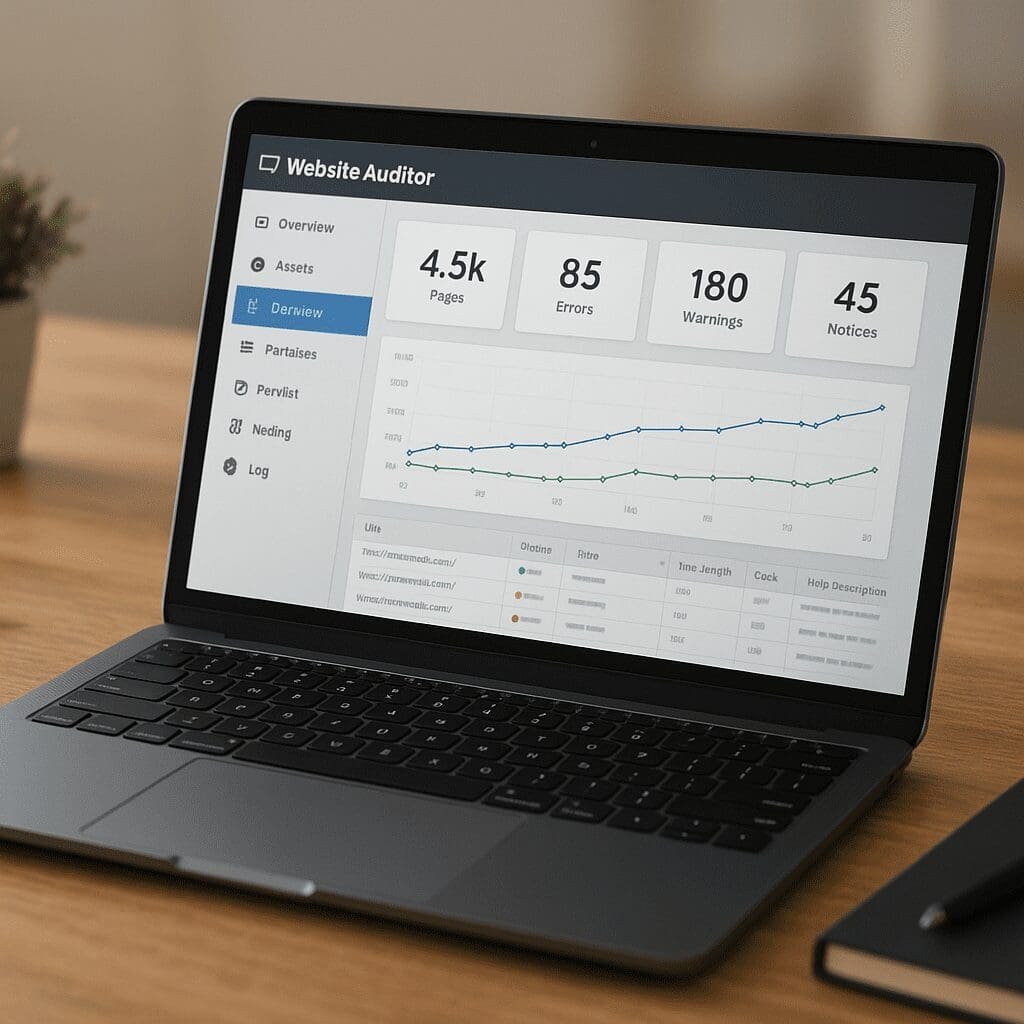
WebSite Auditor
WebSite Auditor is a desktop application built to examine websites from the perspective of search engines and users, giving marketers, developers, and site owners a clear view of what helps or hinders visibility. Part of the SEO PowerSuite toolkit, it combines a spider, issue library, on-page assistant, and reporting to move from diagnosis to action. This article explains what it does, where it shines, where it has limits, and how it can fit into a practical workflow that actually improves rankings and conversions.
What WebSite Auditor Is and Where It Fits
At its core, WebSite Auditor is a site spider and diagnostics engine you run on your own computer (Windows, macOS, Linux). It crawls your pages, collects signals comparable to what search engines see, and organizes that information into tasks. If you manage a blog, an online store, a corporate site, or a complex knowledge base, you can use it to surface critical findings across templates and sections rather than checking one URL at a time.
Because it’s installed software rather than a purely hosted service, it’s responsive and private: your crawl data lives locally unless you export it or connect third-party services. The application is project-based—each site becomes a project with saved settings, history, scheduled jobs, and customized reports.
WebSite Auditor sits between lightweight browser extensions and heavyweight enterprise crawlers. It’s more approachable than a command-line spider, more visual than a spreadsheet workflow, and less costly than many cloud platforms. For freelancers and in-house teams, it often becomes the workhorse for recurring site reviews and for shaping the backlog of issues that should be prioritized for the next sprint.
How the Crawler Works and What It Surfaces
The tool acts like a configurable robot that follows internal links, parses HTML, extracts tags and directives, and records HTTP responses for every resource it can reach. You can specify the starting URL scope, limit depth, ignore parameters, or block certain sections. It respects robots rules you define and can use user agents to imitate typical bots.
Once the crawl completes, findings are grouped into practical categories: indexability blockers, duplication, canonicalization, redirect chains, missing or malformed meta data, thin pages, mixed content, and more. You’ll also see broken resources, excessive chain lengths, or slow pages that could affect how efficiently search engines scan your site.
- Indexing and crawling: flags noindex/nofollow misuse, disallowed paths, inconsistent canonical tags, and pages marooned outside your internal graph.
- HTTP and redirects: identifies 4xx and 5xx errors, soft 404s, redirect hops, loops, and insecure-to-secure inconsistencies.
- Content signals: length of titles and descriptions, duplication clusters, near-duplication by shingle similarity, and blank or boilerplate-heavy templates.
- Performance hints: page-weight outliers, large images, compression opportunities, caching headers, and integration with lab-style speed checks.
- Internationalization: detection of hreflang pairs, language/region mismatches, and missing return tags for multilingual sites.
- Markup and quality: presence of structured data, missing alt attributes, heading order anomalies, and accessibility-adjacent issues that impact SERP parsing.
The result is a prioritized list, merging severity with prevalence. You can drill down into any error class to see the specific URLs, then bulk-export them for your issue tracker or developer briefing.
On-Page and Content Guidance
Beyond technical diagnostics, WebSite Auditor includes an editor that evaluates on-page elements against chosen competitors in the live SERP and against best practices. It reviews titles, meta descriptions, headings, visible copy, and internal anchor usage. The editor helps you refine topic coverage and avoid over-optimization, proposing term ideas and structure adjustments.
While it is not a full writing suite, the content module is effective when you already have a draft and want grounded feedback: Is the title engaging yet concise? Is the primary term too sparse? Are semantically related concepts underrepresented compared to top-ranking pages? You can adjust the page inside the editor or keep it as a companion window while editing in your CMS.
For sites with many templates (product detail, category, article, landing), you can create page-type checklists that ensure consistent execution: title patterns, breadcrumb formats, schema presence, and canonical rules. That consistency reduces regression risks as teams scale publishing.
Internal Architecture and Link Equity
Internal linking is one of the most underused levers in organic search. WebSite Auditor maps your site graph, calculates depth from the homepage (or any hub you define), and highlights areas where important pages are buried. It can reveal orphaned or nearly orphaned URLs, uneven distribution of navigation, and hub pages that receive too much or too little attention.
Practical outcomes include creating or refining topic hubs, adding cross-links among related articles, and elevating product pages from deep pagination to shallower, category-level exposure. A few changes in navigation or contextual links often produce noticeable improvements in crawling efficiency and conversion paths.
Robots.txt, Sitemaps, and Canonicals
The tool includes utilities to generate XML sitemaps and to preview or edit robots.txt directives. It cross-references canonical tags with sitemaps and robots rules to catch contradictions—for example, pages included in the sitemap but noindexed, or canonicalized to a target that itself is blocked. It’s especially helpful when migrating a site, changing URL patterns, or consolidating content to reduce duplication after years of ad-hoc publishing.
Does It Help SEO Outcomes?
Used correctly, yes. WebSite Auditor won’t replace strategy, backlinks, or compelling offers, but it does two crucial things:
- It exposes technical and content gaps you can realistically fix: crawl traps, indexation blockers, missing alt text, weak headings, and redundant pages.
- It helps you prioritize: which errors affect the largest sections or the most valuable templates, and which fixes unlock the greatest cumulative benefit.
In practice, teams see improvements when they convert the findings into a prioritized backlog and repeat the crawl after each release to verify impact. The tool also shortens the feedback loop for writers and editors: you can gauge whether a new article aligns with ranking norms before you hit publish and measure again after indexing to see if refinements are needed.
Strengths and Limitations
Strengths
- Ownership and privacy: you run it locally, keep data offline by default, and decide what to export or share.
- Depth of diagnostics: comprehensive coverage of common technical mistakes, with clear grouping and examples.
- Action-oriented: easy to turn findings into tickets, with filters and custom views tailored to your site.
- Cost-effective: compared with many cloud crawlers, licenses are approachable for individual consultants and SMBs.
- Cross-platform: works on major operating systems, useful for mixed teams.
Limitations
- Desktop constraints: speed and scale rely on your machine; extremely large sites may require segmenting crawls or using a server-grade workstation.
- JavaScript-heavy experiences: while the crawler handles typical HTML structures well, complex client-side rendering may require complementary, browser-based crawling to capture every interaction-specific URL state.
- Team workflows: collaboration is file-based unless you pair it with shared drives or a versioned export process; cloud tools offer multiuser dashboards out of the box.
- Learning curve: the sheer number of checks can overwhelm new users; creating a custom checklist per site type improves signal-to-noise.
Comparing WebSite Auditor to Alternatives
Compared to cloud platforms that run continuous crawls and expose everything through a browser, WebSite Auditor trades multiuser convenience for local control and cost savings. Versus other desktop crawlers, it emphasizes report polish and content guidance as much as raw extraction.
- Against enterprise clouds: you won’t get automated alerting for every change, but you gain flexibility and avoid per-URL pricing that penalizes large catalogs.
- Against highly technical spiders: you’ll find fewer low-level HTTP customization knobs, yet more built-in explanations and templated reports you can share with non-technical stakeholders.
- Against all-in-one suites with site audits: WebSite Auditor provides deeper on-site coverage than the basic “site health scores” included in rank-tracking or link-analysis tools, especially around duplicate detection and internal linking.
The right choice often blends tools: use WebSite Auditor for methodical on-site improvements, a headless or cloud crawler for JS-intensive sections or scheduled alerts, and your analytics/search console for production validation and trend monitoring.
Practical Setup and Workflow
A simple way to integrate WebSite Auditor into your operations:
- Define scope: start with a representative section (e.g., /blog/ or /collections/) to tune settings before crawling the whole site.
- Set rules: add parameters to ignore, specify allowed subdomains, and decide how to handle canonicalized pages.
- Crawl and classify: run the initial crawl and tag issues into sprints—quick wins (hours), medium (days), complex (weeks).
- Create checklists: for each template type, craft pass/fail checks (title patterns, breadcrumb presence, schema type, pagination rules).
- Content pass: review key pages in the editor and apply consistent improvements to headings, intro paragraphs, and internal anchor strategy.
- Internal links: map key hub pages and add cross-links to reduce depth for priority URLs.
- Verify and iterate: rerun a focused crawl on affected sections after deployment, document results, and adjust rules as needed.
This approach avoids one-time audits that gather dust and instead folds the tool into your release rhythm. Each run becomes a feedback loop: what changed, what improved, and what new regressions were introduced.
Handling Large Sites and Edge Cases
For big catalogs or media libraries, segment the crawl by directory or by filters (brand, season, locale). Save each segment as its own project with consistent settings. Use separate runs for the secure and non-secure versions if you’re mid-migration, and compare canonical clusters to ensure consolidation is working. For multilingual sites, pay extra attention to hreflang pairing and language codes, and run spot checks on alternate pages to confirm reciprocal tags.
When encountering infinite calendars, faceted navigation, or session parameters, rely on rules to stop the spider from wasting resources. Keep a blocklist of patterns and test it on a short run to verify you’re not hiding real content. For image-heavy pages, look at lazy-loading attributes and ensure they degrade gracefully for bots that don’t execute every scroll behavior.
Reporting and Stakeholder Communication
One of the underrated strengths of desktop reporting is flexibility: you can export CSV for data teams, PDF for executives, and tailored HTML for developers. Include a summary that connects issues to business outcomes—e.g., “Resolving 1,500 duplicate titles across product variants should consolidate impressions and reduce cannibalization for the top 20 revenue categories.” Keep a running changelog alongside exported evidence (before/after URLs, header snapshots) so it’s clear what was fixed and when.
For agencies, templatize the deliverable: a short executive overview, a prioritized issue list with estimated effort, and a dependency map (what development or CMS access is required). For in-house teams, plug exports into your ticketing system and reference the project file so re-tests follow the same scope.
Security, Data, and Integrations
Because the software runs locally, access control is under your team’s standard workstation policies. It stores project files on disk; share them via your secure drive and use read-only exports for stakeholders. If you attach APIs (for example, to enrich some metrics), keep keys scoped and rotate them regularly. Proxies can be used for large or frequent crawls to avoid rate limits and to mimic expected geographic access.
My Experience and Opinion
WebSite Auditor is a practical, balanced tool: easier to learn than deeply technical crawlers, more affordable than most clouds, and capable enough to anchor an on-site improvement program for years. Its biggest value lies in turning sprawling site complexity into an ordered punch list people can act upon. If your site depends on heavy client-side rendering or if you need multiuser dashboards and SLA-backed monitoring, pair it with a complementary solution. But for the majority of editorial and ecommerce sites, it’s a high-leverage way to uncover and fix the issues that quietly sap organic performance.
Two habits amplify its impact: make smaller, more frequent crawls (per section, per sprint) instead of epic quarterly audits, and codify template-level standards so quality gates move earlier in content production. That combination prevents the same problems from resurfacing and steadily improves the baseline quality of what you publish.
Tips to Get More From the Tool
- Annotate each project with your tech stack and plugins; patterned issues often trace back to a shared module or theme.
- Create an “exclusions” list for query parameters and tracking codes, and revisit it after marketing campaigns.
- Use custom filters to find pages one click beyond your navigation that have strong commercial intent—prime candidates for internal promotion.
- Set target ranges for titles and descriptions by template to standardize output for writers.
- Schedule light recrawls of critical sections weekly, full site recrawls monthly or after major releases.
- Keep an “experiments” label for URLs where you test new internal link patterns or content structures and measure after re-indexing.
Who Will Benefit Most
Freelance consultants and small agencies gain a cost-effective cockpit for audits and recurring maintenance. In-house marketers get a reliable way to translate technical issues into business-friendly recommendations. Developers appreciate clear, reproducible lists of URLs and headers rather than vague bug reports. Content teams benefit from the on-page guidance that nudges every draft closer to competitive norms without heavy-handed keyword stuffing.
Conclusion
WebSite Auditor brings structure and momentum to website improvements. It crawls, classifies, and clarifies—then hands you a prioritized path to better visibility and user experience. Treat it as a continuous companion rather than a once-a-year report generator, and you’ll steadily reduce waste, eliminate hidden blockers, and make room for work that compounds: better information architecture, richer articles, more useful product pages, and faster delivery. When paired with analytics, search console data, and a healthy culture of iteration, it becomes a dependable engine for compounding gains.
Key ideas to keep in mind as you get started: invest in your internal taxonomy, standardize templates, align navigation with real user journeys, and treat every audit as a chance to refine your publishing and development processes. Do that, and the software will pay for itself many times over—in cleaner code, clearer pages, and improved visibility that you can measure and defend.
Highlighted terms for clarity: SEO, audit, crawl, technical, indexation, content, links, structured, mobile, speed.