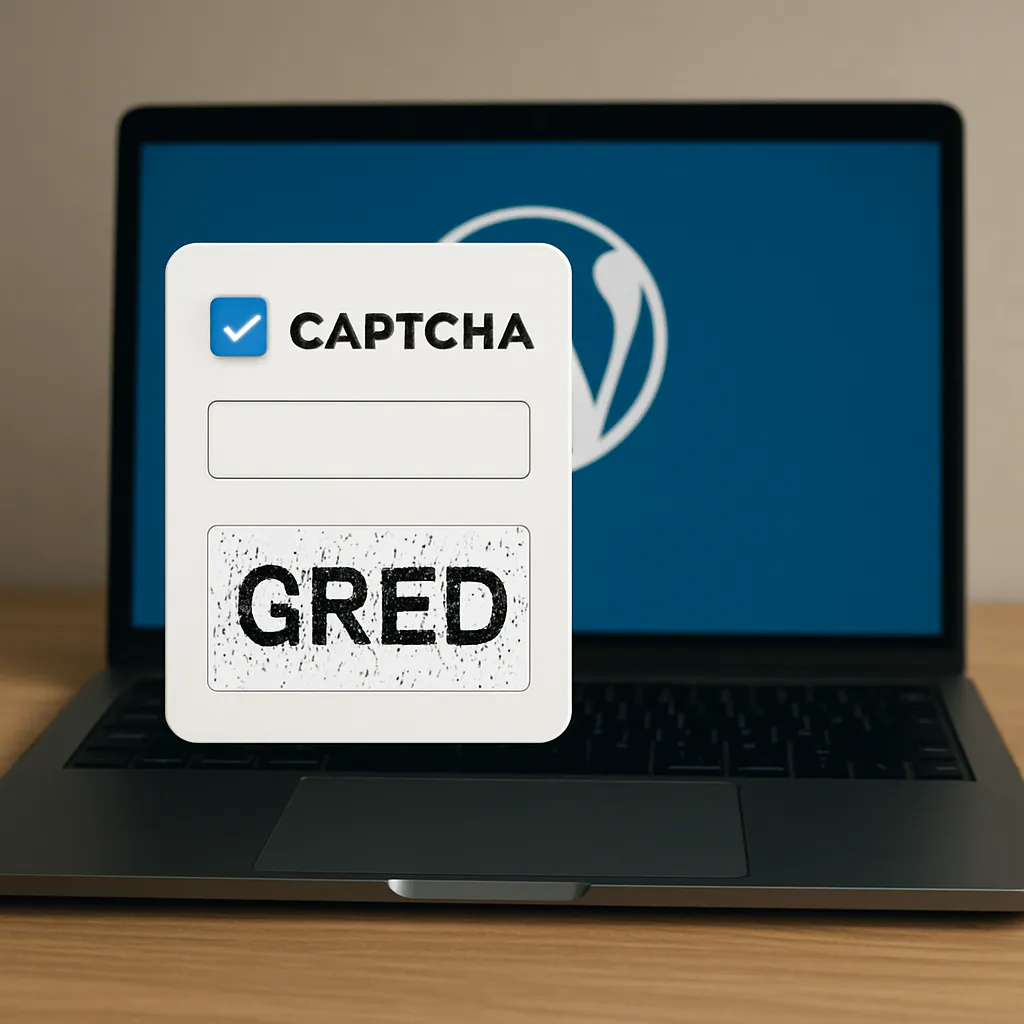
Captcha by BestWebSoft
Captcha by BestWebSoft is one of the most popular WordPress plugins for protecting forms against spam, bots and automated scripts. It adds a simple test for users to prove they are human before sending a form, registering an account or posting a comment. This kind of security layer is essential not only for site protection, but also for maintaining data quality, server performance and, indirectly, overall site reputation in the eyes of users and search engines.
What is Captcha by BestWebSoft and how it works
Captcha by BestWebSoft is a **WordPress** plugin that integrates a human verification mechanism into various parts of a website. Instead of allowing every request to be processed, the plugin forces a short interaction that is easy for a person but difficult or costly for an automated bot. The main goal is to reduce spam submissions and malicious actions that overload databases and hosting resources.
The plugin was created by BestWebSoft, a development team focused on WordPress solutions. It has both a free and a premium version, which differ in configuration options, type of captchas and integration possibilities with other plugins. The design of Captcha by BestWebSoft is focused on simplicity, so that even less advanced users can install and configure it without deep technical knowledge.
Captcha by BestWebSoft offers several kinds of challenges, depending on the version and configuration:
- Simple mathematical tasks, such as addition or subtraction
- Traditional text-based captcha, where the user types characters from an image
- ReCAPTCHA integration (in premium versions or by using related addons)
- Customizable labels and messages for users
From a technical point of view, the plugin hooks into the **WordPress** form handling process. When a user submits a form, Captcha by BestWebSoft checks if the captcha field is correctly completed. If not, the submission is rejected and the user sees a proper error message. This means the plugin works at the level of request validation, before data enters the database or triggers email notifications.
One of the strengths of Captcha by BestWebSoft is compatibility with core WordPress components. The plugin can be enabled on:
- Login and registration forms
- Password recovery forms
- Comments forms
- Contact forms created with compatible plugins
- Custom forms depending on theme or plugin support
This broad coverage allows administrators to secure most potential entry points used by spammers and bots. The configuration panel is located in the WordPress dashboard and is designed in a user-friendly way, with clear options, toggles and explanatory descriptions.
Another important element is accessibility and usability. Captcha by BestWebSoft attempts to balance security with user experience. Too complex tests discourage real visitors and lead to abandoned forms. The plugin offers relatively simple challenges that are usually solved in a second or two, which limits friction on the page and does not excessively lengthen the conversion path.
Main use cases and practical benefits
Captcha by BestWebSoft is primarily associated with the fight against spam comments and unwanted registrations, but its potential is broader. The plugin affects several key areas: security, performance, administration workload and indirectly user trust and **conversion**.
Protection against spam comments and fake registrations
On WordPress sites with high traffic, comment spam can easily reach thousands of entries daily. Without protection, the database grows, moderation queues become unmanageable, and the administrator must spend time manually deleting unwanted content. Captcha by BestWebSoft filters out most automatic attempts before they reach the moderation queue.
Similarly, bots try to create fake accounts to exploit vulnerabilities, send spam from within the site or test weak passwords. Integrating Captcha by BestWebSoft with registration and login forms significantly reduces such attempts, making brute-force and scripted attacks more difficult.
Reducing server load and improving performance
Every spam submission, fake registration or mass comment attempt generates **server** queries, writes to the database and consumption of hosting resources. In extreme cases, such activity can lead to slow loading times or even short service interruptions. By eliminating attempts at the verification stage, Captcha by BestWebSoft helps keep the volume of processed requests under control.
Better performance translates into a more stable website, which is important especially on shared hosting plans. Many site owners do not realize that a visible drop in speed can result not only from high legitimate traffic, but also from uncontrolled bot activity. A properly configured captcha reduces this hidden load.
Improving administration efficiency and content quality
Every WordPress administrator wants to focus on creating valuable content, marketing and product development rather than fighting spam. Captcha by BestWebSoft automates a part of this work. Instead of manually filtering hundreds of comments, the admin deals mainly with real user entries that have passed the human verification step.
Content quality also improves. When bots cannot easily flood comment sections or forms, the discussion under articles becomes more substantive. Readers trust such spaces more, which positively influences engagement indicators such as time on page, number of comments and return visits.
User experience and trust
While captchas are sometimes perceived as annoying, the way they are designed in Captcha by BestWebSoft aims to be minimally intrusive. Short mathematical quizzes or simple recognition tasks do not usually cause serious difficulties. At the same time, visible protection can increase user sense of security, especially in contexts like login, registration or sending sensitive information via forms.
Visitors who see that a site actively protects itself against spam and abuse may perceive it as more professional and better maintained. This affects overall brand image. On the other hand, using an overly aggressive or unreadable captcha could reduce form completion rates, so the configuration should be carefully tested.
Captcha by BestWebSoft and SEO – does it help rankings?
From a strictly algorithmic point of view, captcha plugins, including Captcha by BestWebSoft, are not a direct ranking factor. Search engines like Google do not reward a site specifically for having a captcha. However, there are several indirect mechanisms through which this plugin can positively influence **SEO** and overall visibility.
Cleaner index and better content quality
Spam comments that contain suspicious links, keywords and low-quality content create noise around the main article topic. If such content is indexed, it may weaken the thematic consistency of a page or even cause association with dubious websites. Captcha by BestWebSoft drastically reduces the chance that such entries will appear, so pages stay more focused on the actual subject.
Clean, spam-free comment sections can also promote real user discussions. Valuable, on-topic comments lengthen the text, add synonyms and related phrases, and show that the page is alive. All of this can help search engines better understand the content and increase its authority from the perspective of users.
Performance, stability and behavioral factors
Site speed and stability are relevant for search engines. If bots overload the server with fake requests, page load time may increase. Captcha by BestWebSoft helps stop part of this traffic, which indirectly leads to better performance. Faster pages are more likely to rank higher and provide a better experience, which translates into improved behavioral metrics like bounce rate and time on site.
Moreover, if a site is filled with spam, users often leave quickly after seeing low-quality or harmful content in comments. A clean, well-moderated environment encourages them to read, scroll and interact. These signals, although not always explicitly linked, can support the site’s **SEO** profile.
Security, trust and reputation
Sites flooded with spam give an impression of being abandoned or poorly protected. This can lead to fewer backlinks from trustworthy sources, because webmasters are reluctant to refer to a page that looks unprofessional. Captcha by BestWebSoft helps maintain a higher level of order, which may influence link-building potential and overall brand perception.
Search engines also pay attention to the security of sites, especially in the context of phishing, malware or manipulative practices. Although captcha itself is not a universal security solution, it is part of a broader **security** strategy that can protect against some forms of automated abuse, reducing the risk that the site will be used for harmful activities.
Configuration, usability and integration with other plugins
Installing Captcha by BestWebSoft is done through the WordPress repository or by uploading the plugin manually. After activation, a new menu appears in the admin panel with configuration options. The interface is intuitive, with sections for selecting captcha type, place of display and design customization.
Among the configuration options you typically find:
- Enabling or disabling captcha on selected forms (login, registration, comment, password reset)
- Choosing the type of challenge (for example simple math problems)
- Setting text labels and error messages
- Adjusting visual style to better fit the theme
- Managing compatibility with caching and optimization plugins
One of the advantages of Captcha by BestWebSoft is compatibility with many popular contact form plugins. This allows adding protection to:
- Contact forms created with built-in WordPress tools or custom frameworks
- Third-party form builders that integrate with the plugin
- E-commerce registration and login pages on WooCommerce-based shops (depending on configuration)
It is worth emphasizing that the plugin is regularly updated, which is important for security and compatibility with new WordPress versions. Active development and support from BestWebSoft increase trust that potential bugs or vulnerabilities will be fixed promptly.
From the administrator’s perspective, maintenance is not demanding. Once the plugin is configured, it usually works in the background. Monitoring focuses mainly on observing whether spam volume has decreased and whether legitimate users do not report problems with form submissions. Sometimes, after larger WordPress or theme updates, it is good to test the forms again to ensure the captcha still appears and validates data correctly.
Personal opinion and evaluation of Captcha by BestWebSoft
As a tool, Captcha by BestWebSoft provides a balanced combination of simplicity, effectiveness and versatility for typical WordPress sites. It is not the only captcha solution on the market, but it remains popular for several reasons that are worth highlighting.
From the perspective of usability, the plugin is suitable for beginners and more advanced users. The configuration panels are logically organized, and the documentation and support from BestWebSoft help solve possible issues. The free version already offers solid basic protection, which is enough for many blogs, corporate sites and portfolios.
Effectiveness against spam is generally high for typical automated bots. It should be remembered that no captcha fully protects against more advanced, targeted attacks or manual spam submissions. However, for the majority of everyday threats, Captcha by BestWebSoft significantly reduces noise and saves administrator time.
In the context of **SEO**, the benefits are indirect but real. Cleaner content, fewer spam links, better performance and higher user trust create a more favorable environment for organic growth. The plugin will not raise a page from the tenth to the first position by itself, but it helps maintain technical and content hygiene, which is a prerequisite for sustainable visibility.
Potential drawbacks mainly relate to user experience. Some visitors, especially on mobile devices, may feel annoyed by any additional steps in forms. If the configuration is too strict or the task is not clearly explained, a small percentage of users may abandon the process. Therefore, it is worth choosing the simplest challenge type and regularly checking analytics to ensure form conversion does not suffer.
Another aspect is visual customization. While Captcha by BestWebSoft allows you to adjust certain design elements, integration with highly customized or minimalist themes can sometimes require additional CSS tweaks. For most standard installations, this will not be an issue, but sites with a strong focus on **UX** and visual identity may want to spend some extra time polishing the appearance.
Despite these nuances, the overall assessment of Captcha by BestWebSoft is positive. It is a stable, widely used plugin that solves a common, practical problem. For many WordPress sites, especially those open to comments, registrations or contact forms, adding a captcha layer is almost a necessity, and this particular solution offers a good ratio of effort to benefits.
Considering functionality, protection level, update frequency and community trust, Captcha by BestWebSoft can be confidently recommended as an element of a broader security and **optimization** strategy for WordPress websites. Used wisely and with attention to user comfort, it contributes to a cleaner, safer and more effective online presence, which in the long run supports both business goals and organic visibility in search engines.