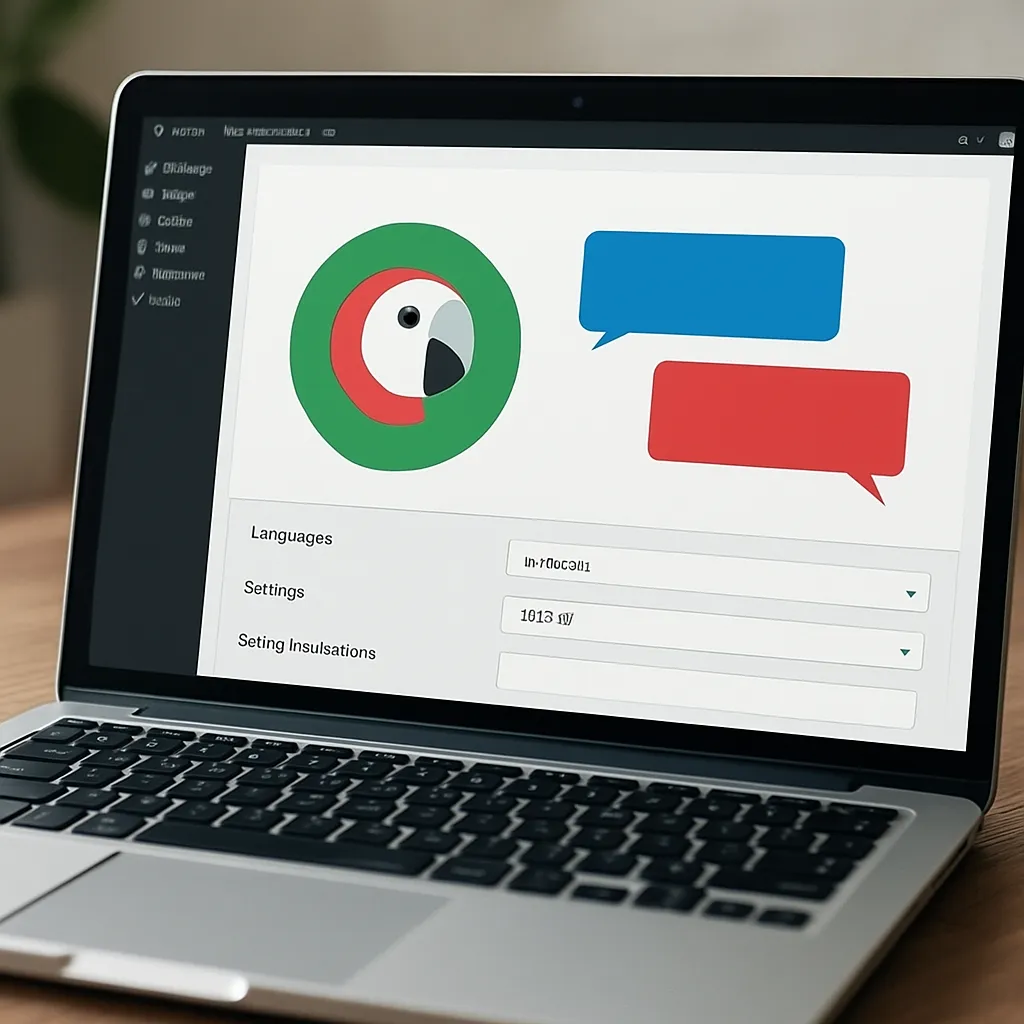
Polylang
Polylang is one of the most widely adopted WordPress plugins for building truly multilingual websites without locking yourself into a proprietary service. It gives site owners full control over content in multiple languages, from blog posts and pages to menus, widgets, media, and strings coming from themes and plugins. Whether you are launching a bilingual blog or a global ecommerce catalog, Polylang focuses on clean URL structures, flexible language mapping, and compatibility with core WordPress features—so multilingual content feels like a natural part of your site rather than an afterthought.
What Polylang is and how it fits into a WordPress site
At its core, Polylang adds a language layer to the standard WordPress data model. Every post, page, custom post type, category, tag, and menu item can be assigned a language. Posts in one language can be associated with their equivalents in other languages, which Polylang calls “translations” of the same content item. This linking is central: it enables the language switcher to move visitors directly between corresponding pages and helps search engines understand language alternatives for the same topic.
The plugin’s user interface integrates into familiar WordPress screens. When you edit a post, you’ll see language settings in the editor sidebar, along with quick actions to create or link translations. The same principle applies to taxonomies: categories and tags can be translated and related across languages so that content remains organized and filterable in every locale. Menus gain a language-aware switcher widget and can be defined per language, ensuring exact navigational parity for each audience.
Polylang embraces manual translation by default. This approach is appealing for teams who want editorial control, consistent tone of voice, and industry-specific terminology. If you require automation, you can connect external translation services or use companion plugins that leverage machine translation to kickstart drafts. Crucially, Polylang never forces you into a SaaS workflow; your content stays in your database, and your URLs remain under your control.
The plugin is available in a free version and as Polylang Pro. The Pro version adds quality-of-life features for complex sites—more granular control over slugs, better synchronization options, and extended support for custom fields and edge cases. There are also official extensions, such as Polylang for WooCommerce, dedicated to multilingual online stores.
Key capabilities that matter in real projects
- Language assignment for posts, pages, media, menus, widgets, and strings from themes/plugins.
- One-to-one relationship between translated items for precise switching and search engine clarity.
- Flexible URL strategies: per-language directories (example.com/en/), subdomains (en.example.com), or unique domains (example.fr).
- Language switcher as a menu item, widget, or shortcode, with options for names, ISO codes, and flags.
- “Hide default language in URL” option to keep your primary language clean (example.com instead of example.com/en).
- Translation of taxonomy terms to maintain consistent categorization across languages.
- Compatibility with WordPress block editor and common custom field solutions; Pro enhances complex field handling.
- String translation screen to localize sitewide text from themes/plugins (e.g., footer messages, widget titles).
- Browser language detection (optional), with considerations for caching and user experience.
- Developer hooks and template functions for custom language-aware behavior.
Setting up Polylang: a clear, repeatable workflow
Successful multilingual builds follow a predictable order. This prevents future rework and avoids broken links or inconsistent URLs.
- Plan your locales. Decide which languages you will support now and in the next 12–18 months. Consider not only language but also regional variants (Spanish for Spain vs. Latin America) if content or legal requirements will differ.
- Choose your URL architecture. Directories are simplest and most SEO-friendly for most sites; dedicated domains are ideal when you localize branding and legal documents per country. Subdomains are a middle path when DNS and hosting constraints apply.
- Install and activate Polylang. Configure languages in the admin: set the default, arrange order, define flags and names, and apply “Hide default language in URL” if desired.
- Translate your navigation. Create a main menu per language and add the language switcher element to each. Confirm that switching preserves context (e.g., from one product page to the equivalent in another language).
- Translate taxonomies and media. Align categories and tags so content filters behave consistently. Translate media titles, captions, and alt text for accessibility and search visibility.
- Link content translations. Start with top-level pages (Home, About, Services, Contact) and then move into posts/products. Use the editor’s “+” icon to create a paired translation, or link existing content if it already exists.
- Localize slugs where appropriate. For human readability, translate slugs on pages and categories; weigh the benefit of keyword relevance versus the long-term stability of URLs.
- Configure browser language detection (optional). Test with your caching layer; if in doubt, prefer explicit URLs and a visible switcher.
Polylang and search optimization: what truly helps and what to watch
When deployed with care, Polylang is a strong ally for SEO. Search engines need unambiguous signals about which page serves which audience, and Polylang provides them in several ways.
- Alternate language annotations. Polylang outputs hreflang tags so search engines can associate language variants of the same content. This reduces the risk of misdirected rankings and improves relevancy for users in different locales.
- Clean, consistent URLs. Language-based directories or domains make it obvious which content serves which market. Avoid mixing patterns (e.g., both /fr/ and fr.example.com).
- Self-referencing canonicals. Each localized page should declare a canonical URL pointing to itself (not to another language). Confirm this behavior in your SEO plugin, as some templates can misconfigure it.
- Localized slugs and meta. Translating slugs, titles, and meta descriptions increases click-through and improves query matching in target languages. Be consistent with date formats, punctuation, and decimal separators per locale.
- Language-specific sitemaps. With WordPress core sitemaps and popular SEO plugins, you can segment or annotate URLs per language. Submit the appropriate sitemaps to each Search Console/ Webmaster Tools profile when using subdomains or separate ccTLDs.
- Content differentiation. Don’t rely on literal translation only. Adapt examples, currency, measurements, and regulatory notices to improve engagement signals in each market.
- Index management. Ensure your default language isn’t unintentionally set to noindex. Use robots directives judiciously for test environments to prevent accidental indexing.
Polylang does not magically rank your site; rather, it removes typical multilingual pitfalls—duplicate content, ambiguous targeting, and clumsy URL schemes. Its principled structure helps search engines understand your intent, while you focus on localized relevance and authority building through outreach and content strategy.
Opinion: strengths, trade-offs, and who Polylang is best for
If you value WordPress as a flexible CMS first and foremost, Polylang aligns with that philosophy. It is lightweight, respects core paradigms, and avoids hard vendor lock-in. Editors get straightforward controls that mirror the way WordPress already works, minimizing training. Developers get hooks and functions to shape complex workflows without rearchitecting the site.
On the other hand, Polylang assumes that translations are part of your editorial process. Teams expecting one-click, fully automated content replication may need to add a machine translation connector or consider alternatives that are opinionated about automation. In high-velocity environments, invest in processes: a translation queue, editorial calendars per locale, and QA checklists for slugs, menus, and internal links.
For ecommerce, the dedicated Polylang for WooCommerce extension is vital. It addresses price, stock, variations, and checkout flows in multiple languages. Without it, a store can still be translated at a basic level, but you may hit friction when aligning product attributes, coupons, and transactional emails.
Polylang vs. alternatives: a practical comparison
- WPML: Comprehensive and feature-rich with extensive compatibility layers. Tends to be heavier, with more configuration surfaces. Good for enterprises who need granular control and don’t mind overhead. Polylang is leaner and often faster to grasp.
- TranslatePress: Front-end visual translation with instant previews. Friendly for non-technical editors. Can be great for brochure sites; for large content libraries, back-end workflows like Polylang’s can be more scalable.
- Weglot: SaaS-first with quick setup and strong automatic translation. Excellent for speed-to-market, but URLs and content are partly managed off-site. Polylang appeals to teams who want everything inside WordPress and full database ownership.
In short: Polylang shines when you want native WordPress control, predictable performance, and editorial ownership. If you prioritize speed of automation or centralized translation memory across many platforms, a SaaS approach might serve you better.
Real-world implementation tips and patterns
- Define canonical “pillars.” For each key page, identify the source language and create linked translations early. This prevents orphaned pages and broken switcher links.
- Standardize slug policies. For evergreen content, translate slugs once and avoid frequent changes. For news posts, keep slugs short and date-based to minimize translation overhead.
- Harmonize internal links. Ensure cross-language links point to the correct localized targets. Polylang’s functions can help generate the right URLs dynamically in templates.
- Translate media thoughtfully. Alt text should be localized to support accessibility and image search. Use descriptive, language-appropriate filenames when possible.
- QA your menus. It’s easy to forget a footer or mobile menu variant. Mirror your menu structure across languages for consistent UX.
Common pitfalls and how to avoid them
- Unlinked translations. Creating a page in another language without linking it to the source breaks the switcher and confuses analytics. Always link translations using the editor sidebar.
- Mixed URL schemes. Don’t place one language in a directory and another on a subdomain unless there is a strong, unavoidable reason. Pick a pattern and commit.
- Slug collisions. If two translated items try to use the same slug in the same directory, collisions cause 404s or unexpected redirects. Establish naming conventions.
- Cache conflicts with language detection. Browser language detection adds a dynamic layer that some page caches don’t handle well. If you must use it, test across logged-in/out states and with CDNs.
- Custom post types not set as translatable. Review Polylang settings after adding new CPTs to ensure they appear in translation workflows.
- WooCommerce complexity without the official extension. For stores, use the dedicated add-on to manage products, taxes, emails, and checkout translations reliably.
Developer notes: hooks, template functions, and data modeling
Polylang exposes developer-friendly utilities that make language-aware logic straightforward:
- Language retrieval: pll_current_language() returns the current language code; pll_the_languages() prints a switcher; pll_home_url() yields the localized homepage URL.
- Object mapping: pll_get_post() and pll_get_term() fetch the related translation ID for a given post or term and target language.
- String registration: pll_register_string() and the String Translations screen let you externalize text from themes/plugins without hardcoding language variants.
- Filters and actions: There are hooks to alter switcher output, manage URL logic, and customize synchronization across translations.
Architecturally, Polylang stores language metadata on posts and terms, with translation relationships tracked so the plugin can resolve equivalents across locales. This means custom queries and templates can be made language-aware by filtering on language meta or using Polylang’s helper functions to avoid reimplementing logic.
Content governance: workflows that scale
Multilingual success is less about tools and more about process. Define clear editorial roles: who drafts the source, who translates, and who approves. Maintain glossaries for brand terms. Track changes in the source language and have a policy for when translated pages must be updated versus when they can diverge contextually. Polylang won’t enforce this governance, but it won’t get in your way either—its simplicity is an advantage for crafting your own workflow in project management tools you already use.
Performance, caching, and hosting considerations
Adding languages increases content volume, not necessarily server load per request. However, it does multiply cache keys and sitemap entries. To keep things fast:
- Use full-page caching and a CDN that respects distinct language URLs. Cache hit rates remain high because language is embedded in the path or domain.
- Avoid cookie-dependent routing unless required. URL-based routing is more cache-friendly than runtime negotiation.
- Implement a persistent object cache to reduce database round-trips for translation lookups.
- Compress and localize media per language as needed to reduce payloads, especially for mobile markets with slower networks.
In practice, a well-tuned Polylang site maintains strong performance characteristics. The plugin’s overhead is modest compared to heavier internationalization stacks or SaaS overlays that proxy content.
WooCommerce localization essentials
For ecommerce, language is only one dimension; currency, taxes, shipping methods, and legal notices often vary. Polylang for WooCommerce adds product translation tools, synchronization of attributes and variations, per-language shop pages, and compatibility with transactional flows. Plan for localized product data in bulk—use CSV exports per language or manage translation via your PIM if you have one. Remember to localize microcopy in checkout, policy pages, and automated emails to reduce cart friction.
Migrating to Polylang from a single-language site
Migration is a phased effort:
- Audit content. Identify which items are evergreen and worth translating, which can be archived, and which require region-specific rewrites.
- Map information architecture. For each source page, define intended targets in other languages and prioritize by business impact.
- Implement the language framework first. Configure Polylang, menus, and taxonomies before bulk-creating translations.
- Translate and link. Work through top-priority pages, then long-tail content. Keep a checklist for slugs, meta, and internal links.
- QA and launch. Test switchers, sitemaps, breadcrumbs, and structured data in each language. Submit updated sitemaps and monitor logs for crawl errors.
Analytics and measurement in multilingual contexts
Tracking must reflect geography and language. Use separate views or collections to segment traffic by language path or domain. Monitor conversion funnels per locale—minor copy changes (e.g., button labels) can materially shift behavior. Tie content performance to translation freshness: a lag between updates in the source and a locale often correlates with lower engagement. Lastly, watch SERP titles and snippets per language to ensure metadata is rendered as intended.
Accessibility and editorial quality across languages
Language attributes in HTML (lang and hreflang annotations) improve screen reader behavior and search targeting. Polylang handles the latter; your theme should set the former on the html element per language. Beyond that, ensure alt text, form labels, ARIA attributes, and error messages are localized. Consistency in tone and reading level matters; a literal translation that ignores local idioms may be technically correct but commercially weak.
Security, maintenance, and support considerations
Polylang is mature, actively maintained, and used at scale. Keep it updated alongside WordPress core and your theme/plugins. Because language adds editorial complexity, the most common “bugs” are actually configuration oversights—unlinked translations, wrong menu assignments, or mismatched slugs. A staging environment is your friend for testing new languages, URL scheme changes, and menu reorganizations before they go live.
Interesting nuances and lesser-known features
- Flags are optional and symbolic. For politically sensitive regions, consider language names or ISO codes instead of flags.
- Per-language date and number formatting can be achieved with locale settings and minor theme tweaks.
- You can create language-specific sidebars or widget areas by using conditional logic in your theme.
- REST API support is available via companion approaches, enabling headless or hybrid deployments.
- String translation extends beyond the obvious. If your theme exposes settings (e.g., CTA texts), register them so editors can localize without touching templates.
Case-style example: what success looks like
Consider a B2B SaaS site expanding from English-only to English, German, and Japanese. With Polylang, the team mapped a clean /de/ and /ja/ structure, localized menus and pricing pages, and adapted legal content for each region. They kept canonical tags self-referential, segmented sitemaps per language, and coordinated translation updates within two weeks of any source change. Over six months, German organic sessions rose as keywords matched native phrasing in page titles and H1s, while Japanese performance improved notably after rewriting case studies with local proof points instead of direct translation. Polylang didn’t create demand—but it removed structural barriers so localized relevance could shine.
FAQs and quick answers
- Does Polylang auto-translate content? Not by itself. It focuses on structure and editorial control; you can add connectors for automation.
- Will my rankings drop during migration? If you maintain stable URLs, implement correct annotations, and submit sitemaps, volatility is usually minimal and short-lived.
- Is Polylang compatible with my theme/SEO plugin? Most mainstream themes and SEO plugins are compatible. Test on staging, especially custom post types and breadcrumbs.
- How do I handle region vs. language? If content diverges by country (e.g., legal or pricing), treat them as distinct locales, potentially with separate domains for clarity.
- What about performance under heavy load? With caching and CDN best practices, Polylang scales well. Avoid dynamic language detection if your cache strategy is simple.
Final take
Polylang earns its reputation by getting the fundamentals right: a robust content model for languages, clean URLs, reliable hreflang integration, and editor-friendly workflows. It empowers teams to craft nuanced localization strategies while preserving full ownership of data and markup. Add the Pro features and the WooCommerce extension as your needs mature, and you have a future-proof path from a modest bilingual site to a sophisticated international presence—without sacrificing simplicity or control.